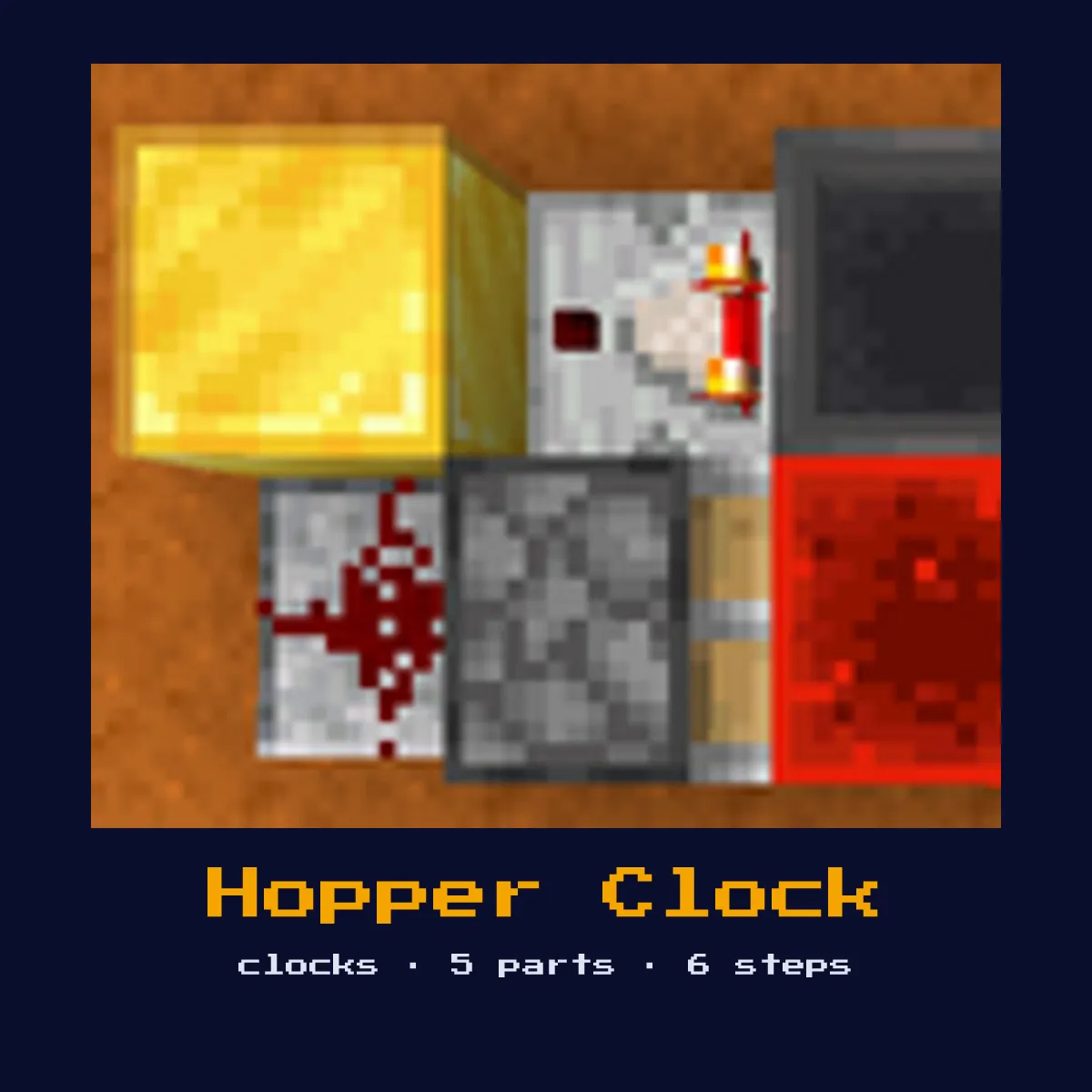
HOPPER CLOCK
Two hoppers facing each other with items bouncing between them. A comparator reads the item count to generate a signal. Clock period depends on the number of items.

When to Use
Long-period clocks for daylight cycles, slow farms, timed events that need minutes between pulses.
Materials
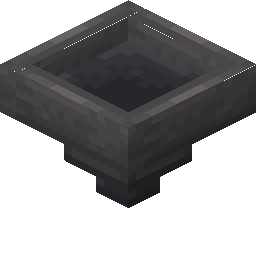 2 Hoppers
 2 Redstone Comparators
 Redstone Dust
- Items (any stackable)
- Solid blocks
What you spend on materials for Hopper Clock
Adding up the recipes behind those parts, one Hopper Clock costs 26 crafting ingredients in total: 10 Iron Ingot, 6 Redstone Torch and 6 Stone, plus 2 more kinds.
You can read up on Hopper, Redstone Comparator and Redstone Dust separately; those pages carry the delay and power figures this Hopper Clock depends on.
| Used in Hopper Clock | Amount in a Hopper Clock | What one of these costs |
|---|---|---|
| Hopper | 2 | 5 Iron Ingot, 1 Chest |
| Redstone Comparator | 2 | 3 Redstone Torch, 3 Stone, 1 Quartz |
Add up a whole Hopper Clock in ingredients
 10 Iron Ingot
 6 Redstone Torch
 6 Stone
 2 Chest
 2 Quartz
Recipes behind this Hopper Clock table are the ones from Java Edition 26.2.
Start here: what a Hopper Clock is and what it does
Two hoppers facing each other with items bouncing between them. A comparator reads the item count to generate a signal. Clock period depends on the number of items.
As a clock it produces a repeating on/off pulse on its own, driving anything that needs to fire at a steady rhythm.
In practice it is used for long-period clocks for daylight cycles, slow farms, timed events that need minutes between pulses. The build below targets vanilla Java Edition 26.2.
What happens inside the Hopper Clock when it runs
Items shuttling between two opposed hoppers move one item every 8 game ticks (0.4s), so the period scales directly with how many items you load, a few items give seconds, a full inventory gives minutes. A comparator reads the fullness change to emit the clock pulse.
It is assembled from 2 Hoppers, 2 Redstone Comparators, redstone Dust, items (any stackable), and solid blocks, and each of those 5 parts plays a specific timing or logic role rather than being interchangeable filler.
Because this is a clock circuit, the thing to watch as you build is the period, the total tick delay around the loop sets how fast it runs.
How to build the Hopper Clock
- 1Place two hoppers facing each other (shift-click placement).
- 2Put a comparator reading out of each hopper.
- 3Place items in one hopper (more items = longer period per side).
- 4The items transfer back and forth; comparators detect fullness changes.
- 5Use the comparator output as your clock signal.
- 6Add a lever to one hopper to lock it and pause the clock.
- 7Power it up and watch one full cycle: confirm it pulses at the rhythm you expected before wiring it into a larger contraption.
What the Hopper Clock is used for
- ▸Long-period clocks for daylight cycles, slow farms, timed events that need minutes between pulses.
- ▸Single-comparator hopper clock (simpler, one output), a variant suited to particular space or timing needs.
- ▸Multi-hopper chain (for extremely long periods), a variant suited to particular space or timing needs.
- ▸Adjustable hopper clock (add/remove items to change period), a variant suited to particular space or timing needs.
Tips & common mistakes
- !Because transfer is item-paced it is slow by design; never reach for a hopper clock when you actually need a fast pulse.
- !If the clock will not be running constantly, add a lever in the loop so you can switch it off and spare the server the block updates.
- !Remember that bare redstone dust loses 1 signal strength per block, so insert a repeater before any run exceeds 15 blocks inside this circuit.
Hopper Clock FAQ

What is a Hopper Clock used for?
A Hopper Clock is used for long-period clocks for daylight cycles, slow farms, timed events that need minutes between pulses. As a clock it produces a repeating on/off pulse on its own, driving anything that needs to fire at a steady rhythm.
What do you need to build a Hopper Clock?
You need 2 Hoppers, 2 Redstone Comparators, redstone Dust, items (any stackable), and solid blocks. Place two hoppers facing each other (shift-click placement).
How does a Hopper Clock work?
Items shuttling between two opposed hoppers move one item every 8 game ticks (0.4s), so the period scales directly with how many items you load, a few items give seconds, a full inventory gives minutes. A comparator reads the fullness change to emit the clock pulse.
Are there different versions of the Hopper Clock?
Yes, common variants include single-comparator hopper clock (simpler, one output), multi-hopper chain (for extremely long periods), and adjustable hopper clock (add/remove items to change period). Pick the one that fits your available space and timing requirements.
Circuits that share parts with Hopper Clock
Where to go next from Hopper Clock: 5 circuit pages with a real connection to it.