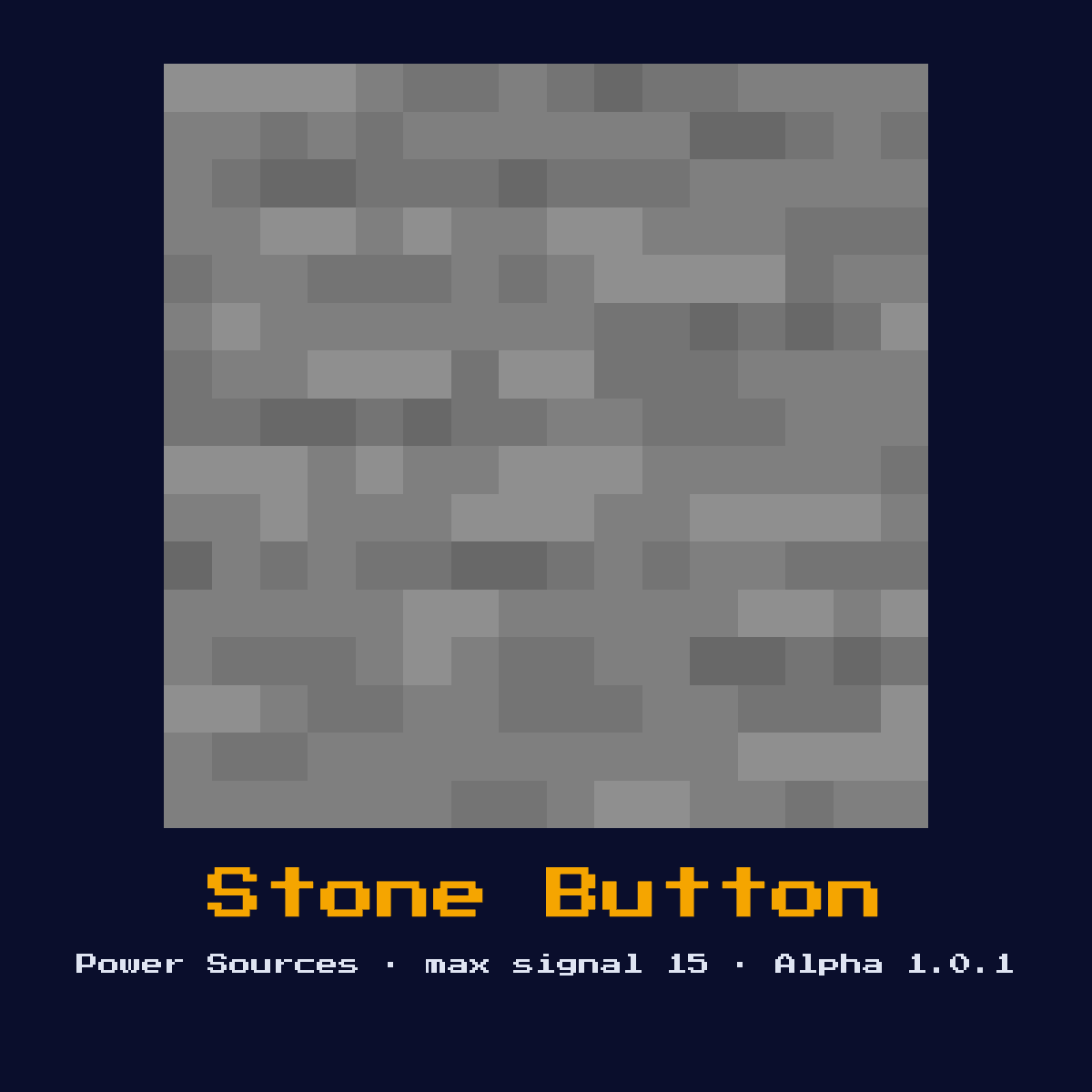
STONE BUTTON
A momentary switch that emits a redstone pulse of 15 for 10 redstone ticks (1 second) when pressed. Cannot be activated by arrows.
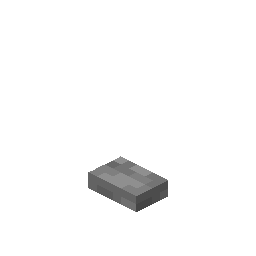
Crafting Recipe
1 Stone → 1 Stone Button
Signal Behavior
Input
Player interaction (right-click)
Output
Signal strength 15 for 10 ticks (1 second)
Max Signal Strength
15
Delay
10 redstone ticks (1 second) pulse duration
Modes
- Momentary pulse
What Stone Button costs you on the crafting grid, exactly
Crafting Stone Button takes 1 Stone in any position, since the recipe ignores where the items sit. 1 item in, one Stone Button out.
| Stone Button is built from | Squares it fills |
|---|---|
 Stone Stone | 1 |
| Stone Button you end up with | 1 |
Taken from the Stone Button crafting recipe in Java Edition 26.2.
Overview: what the Stone Button is and does
A momentary switch that emits a redstone pulse of 15 for 10 redstone ticks (1 second) when pressed. Cannot be activated by arrows.
As a power source it sits at the start of a circuit, generating the signal that everything downstream reacts to. It is the shortest-pulse manual input commonly used for doors, where a clean one-second window is exactly enough to cycle a piston open and shut.
The version to remember for the Stone Button is Alpha 1.0.1, when it arrived; this page follows Java Edition 26.2.
How the Stone Button reads and answers a redstone signal
The Stone Button takes its cue where player interaction (right-click), and answers with signal strength 15 for 10 ticks (1 second).
Pressing it emits signal 15 for 10 redstone ticks (1 second), then it pops back out on its own. It strongly powers its attachment block during that window. Unlike the wooden button it ignores arrows entirely.
Its output is a pulse, not a held signal: 10 redstone ticks (1 second) pulse duration.
Out of the Stone Button comes at most 15, one strength lost per block of dust, so 15 blocks is the range.
Which of the 1 states the Stone Button happens to be in changes the answer it gives, so keep track of them: momentary pulse.
Setting up the Stone Button the right way
- 1Craft the Stone Button: 1 Stone → 1 Stone Button.
- 2Place the Stone Button last of all, once you know exactly where the signal begins and where it has to end, so that its facing comes out right the very first time.
- 3Run redstone dust away from it toward the component you want to control, remembering the signal will fall by 1 per block.
- 4Give it one dry run before anything else. If the Stone Button does not do exactly what the numbers above say it should, the fault is almost always its facing or the block sitting behind it.
Uses & applications of the Stone Button
- ▸Momentary input for doors
- ▸Triggering dispensers
- ▸Pulse generators
- ▸Safe entrances
Tips & common mistakes
- !Confusing pulse length with wooden button (15 ticks)
- !Cannot be arrow-activated unlike wooden button
- !Its 10-tick pulse is shorter than a wooden button's 15-tick pulse, so swapping the two will change the timing of anything downstream.
Stone Button FAQ: the questions people ask

Where does the Stone Button earn its place in a redstone build?
The Stone Button is most often used for momentary input for doors, triggering dispensers, pulse generators, and safe entrances. As a power source it sits at the start of a circuit, generating the signal that everything downstream reacts to.

Does the Stone Button give a full 15?
15 is the number to plan around for the Stone Button. Signal strength 15 for 10 ticks (1 second).
What does a Stone Button cost to make?
1 Stone → 1 Stone Button. It was introduced in Alpha 1.0.1.

How long is the Stone Button's pulse?
10 redstone ticks (1 second) pulse duration. Because it is a pulse rather than a held signal, use an extender if you need the output to last longer, or an edge detector if you need exactly one trigger.
How long does a stone button stay pressed?
A stone button outputs signal 15 for 10 redstone ticks, which is 1 second (20 game ticks). It then releases automatically. A wooden button, by contrast, stays pressed for 15 redstone ticks (1.5 seconds).
Components that connect to Stone Button
6 other component pages tie straight into Stone Button, and here is what the link is:
 Redstone Torch, grouped with Stone Button, 13 of them in total
 Block of Redstone, another of the 13 components in this group
 Lever, one of the 13 in the same group
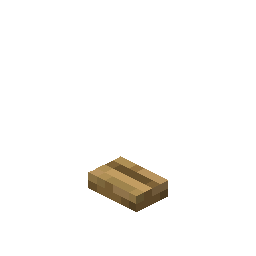 Wooden Button, grouped with Stone Button, 13 of them in total
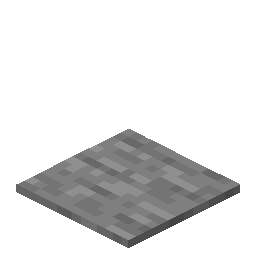 Stone Pressure Plate, one of the 13 in the same group
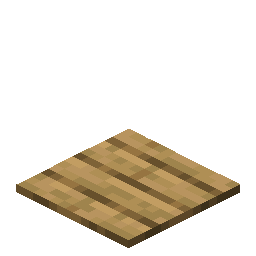 Wooden Pressure Plate, grouped with Stone Button, 13 of them in total
Mining Stone Button: how hard, how bright and how tough
At hardness 0.5, Stone Button is quick work with a pickaxe.
Light level 0: Stone Button is dark, powered or not. Resistance 0.5: nothing special. An explosion beside Stone Button removes it.
| Stone Button | Java Edition value |
|---|---|
| Stone Button hardness | 0.5 |
| Stone Button blast resistance | 0.5 |
| Fastest tool on Stone Button | pickaxe |
| Light out of Stone Button | 0 |