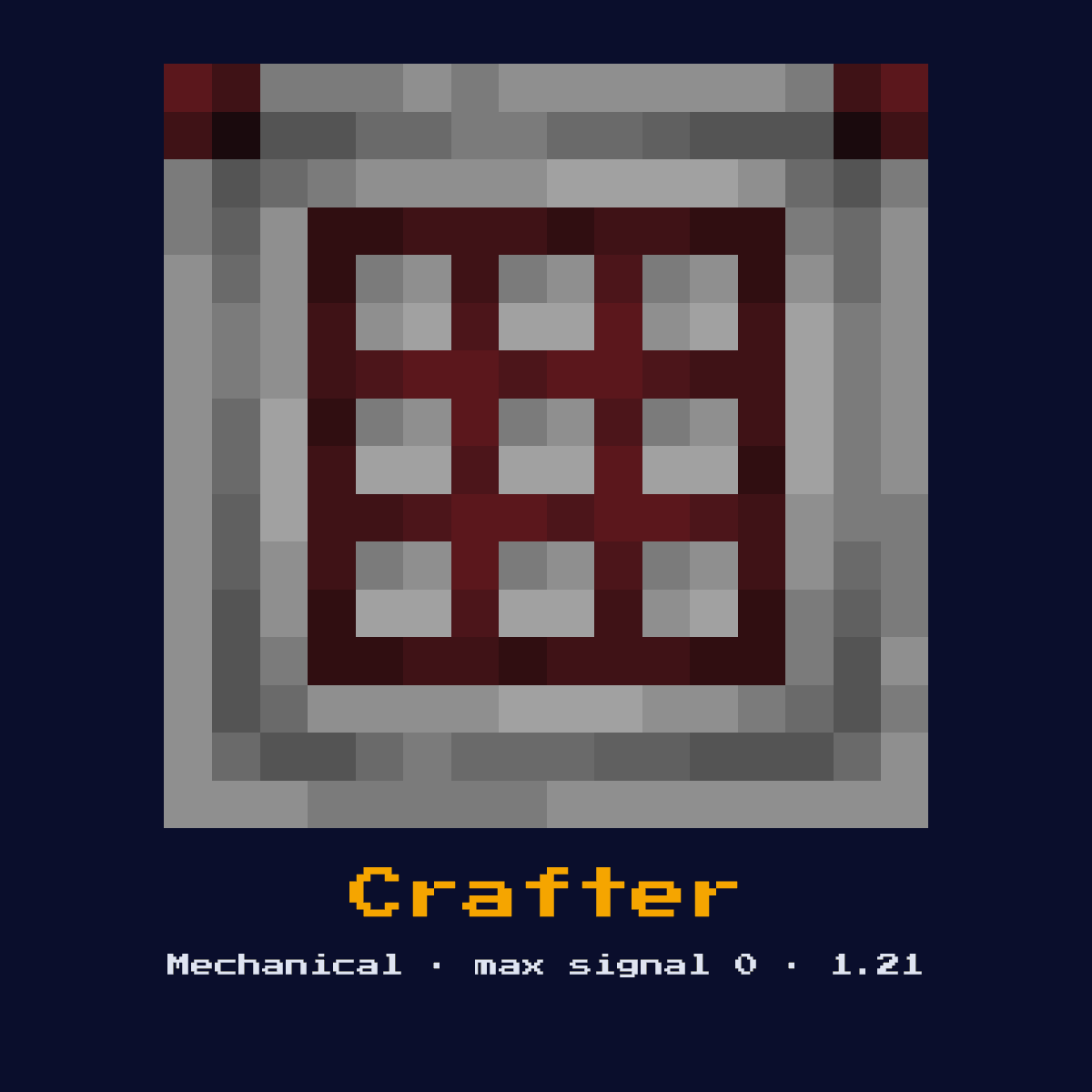
CRAFTER
An automated crafting block added in 1.21. When powered with a redstone signal, it crafts using items in its 3x3 grid. Individual slots can be disabled. Outputs crafted items from its face.
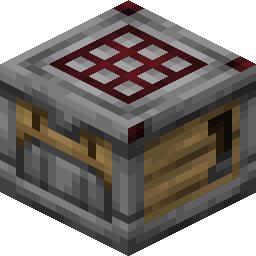
Crafting Recipe
5 Iron Ingots + 2 Redstone Dust + 1 Crafting Table + 1 Dropper → 1 Crafter
Signal Behavior
Input
 Input
InputRedstone pulse triggers crafting
Output
 Output
Crafted item ejected from front face
Max Signal Strength
0
Delay
 Delay
DelayCrafts on rising edge of signal
Modes
- Craft on pulse
- Slots can be individually disabled
What Crafter costs you on the crafting grid, exactly
The 3x3 recipe for Crafter asks for 5 Iron Ingot, 2 Redstone, 1 Crafting Table and 1 Dropper. 9 items in, one Crafter out.
Count on 5 Iron Ingot per Crafter; that is where 56 percent of the cost sits.
The 3x3 pattern that makes Crafter


| Crafter is built from | Squares it fills |
|---|---|
| Iron Ingot | 5 |
| Redstone | 2 |
| Crafting Table | 1 |
| Dropper | 1 |
| Crafter you end up with | 1 |
Taken from the Crafter crafting recipe in Java Edition 26.2.
What the Crafter is, and what it does for you
An automated crafting block added in 1.21. When powered with a redstone signal, it crafts using items in its 3x3 grid. Individual slots can be disabled. Outputs crafted items from its face.
As a mechanical component it converts a redstone signal into physical action rather than passing the signal onward. It is the 1.21 automation block that finally lets redstone craft items on demand without a player.
Minecraft 1.21 brought the Crafter in. What follows is how it behaves in Java Edition 26.2.
The redstone mechanics of the Crafter, step by step
What the Crafter reads: redstone pulse triggers crafting. What it gives back: crafted item ejected from front face.
Loaded with a recipe in its 3x3 grid, a rising-edge pulse makes it craft once and eject the result from its output face. Individual slots can be toggled off so smaller recipes keep their shape, and a comparator reads how many of its slots are filled. It crafts only when pulsed, never continuously.
It produces no redstone output signal of its own, its result is the physical action it performs, so you read its effect in the world rather than off a wire.
The Crafter has 2 settings you need to know about before you place it, and here they are: craft on pulse and slots can be individually disabled.
Placing the Crafter, step by step
- 1Craft the Crafter: 5 Iron Ingots + 2 Redstone Dust + 1 Crafting Table + 1 Dropper → 1 Crafter.
- 2Pick the spot before you place anything: the Crafter needs a solid surface under it and a clear line through to whatever block it is meant to push out of the way.
- 3Feed it a redstone pulse or signal from a lever, button, or circuit; it will perform its action and ignore further power until the input changes.
- 4Flip the input once and watch the Crafter on its own before you wire anything else to it, because a wrong facing or a wrong block behind it is far cheaper to fix at this point than later.
Jobs the Crafter does well
- ▸Automatic crafting
- ▸Factory systems
- ▸Self-sustaining farms
- ▸Complex item processing
Tips & common mistakes
- !Slots must be disabled for recipes smaller than 3x3
- !Items must be in correct pattern
- !Only crafts when powered, not continuously
- !For recipes smaller than 3x3 you must disable the unused slots, or items pile into the wrong cells and the craft fails.
Crafter FAQ: the questions people ask
Why would you put a Crafter in a Minecraft redstone build?
The Crafter is most often used for automatic crafting, factory systems, self-sustaining farms, and complex item processing. As a mechanical component it converts a redstone signal into physical action rather than passing the signal onward.
How strong is the signal out of a Crafter?
The Crafter does not output a redstone signal of its own; its result is crafted item ejected from front face. Its purpose is physical action, not signal generation.
How do you craft the Crafter?
5 Iron Ingots + 2 Redstone Dust + 1 Crafting Table + 1 Dropper → 1 Crafter. It was introduced in 1.21.
What is the most common mistake with the Crafter?
Slots must be disabled for recipes smaller than 3x3. Items must be in correct pattern.
How do I stop a crafter from putting items in the wrong slots?
Open the crafter and click the slots you want to disable, disabled slots show a cross and refuse items. This keeps a smaller recipe in the correct shape so the crafter assembles it correctly when pulsed.
Components that connect to Crafter
Crafter does not stand on its own. 6 other component pages are tied to it:
- Redstone Dust, you need 2 of these before you can craft Crafter
 Dropper, the Crafter recipe asks for 1 of these
 Note Block, sits in the same group of 12 as Crafter
 TNT, another of the 12 components in this group
 Redstone Lamp, grouped with Crafter, 12 of them in total
 Bell, grouped with Crafter, 12 of them in total
Crafter: hardness, blast resistance and light level
Hardness 1.5 is what Crafter costs you in swings, best spent with a pickaxe, though below stone tier or better you get nothing back.
Light level 0: Crafter is dark, powered or not. 3.5 blast resistance on a block of hardness 1.5 means Crafter shrugs off what would clear its neighbours.
| Crafter | In Java Edition |
|---|---|
| Crafter hardness | 1.5 |
| Crafter blast resistance | 3.5 |
| Fastest tool on Crafter | pickaxe |
| Light out of Crafter | 0 |