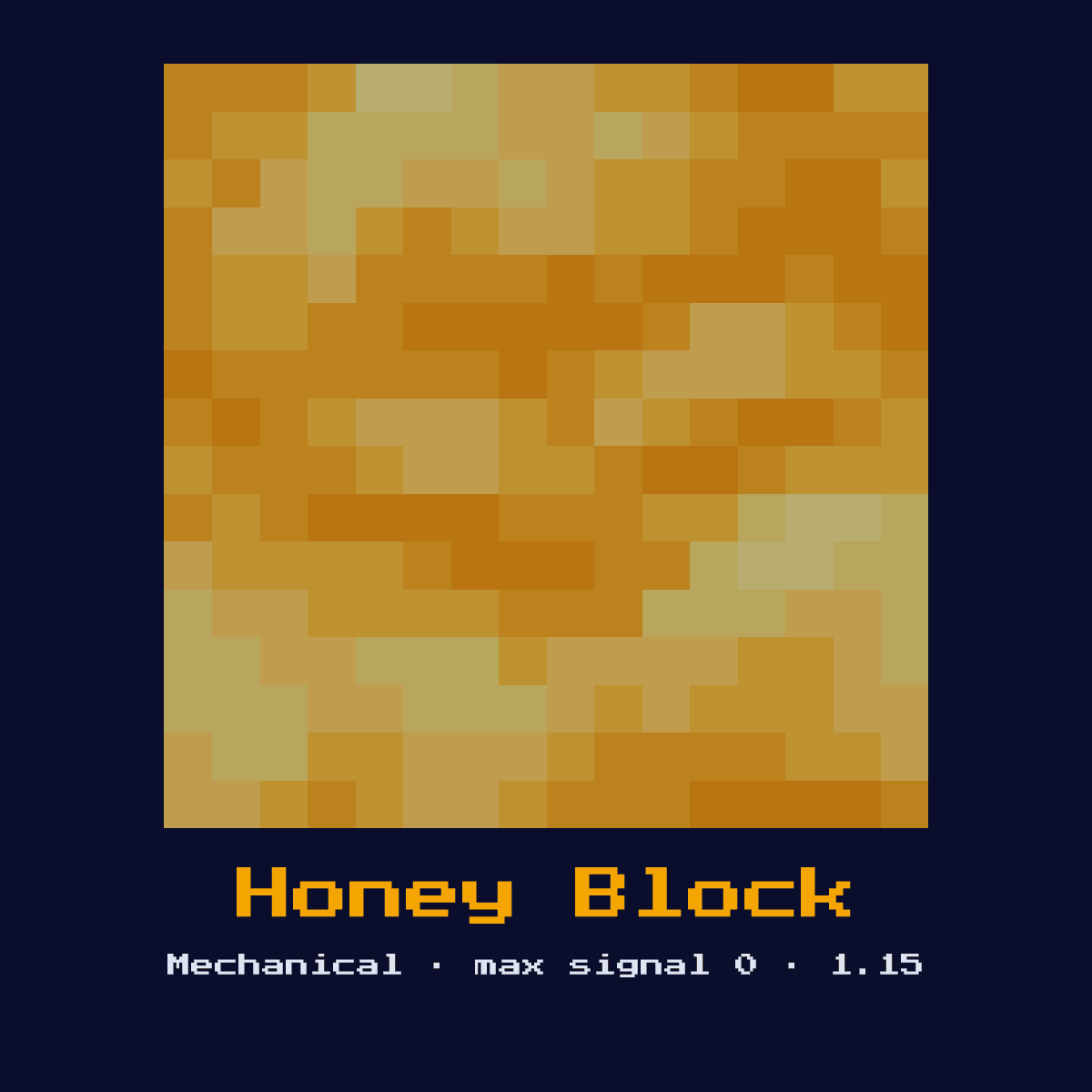
HONEY BLOCK
A sticky transparent block that sticks to adjacent blocks but does NOT stick to slime blocks. Slows entities walking on or against it. Useful for separating piston contraptions.
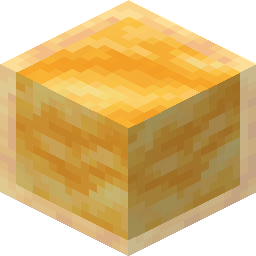
Crafting Recipe
4 Honey Bottles → 1 Honey Block
Signal Behavior
Input
 Input
InputNone (passive, moved by pistons)
Output
 Output
None
Max Signal Strength
0
Delay
 Delay
DelayN/A
Modes
- Sticky (attaches to adjacent blocks, excludes slime blocks)
The Honey Block recipe, laid out one square at a time
Honey Block comes out of a 2x2 arrangement of 4 Honey Bottle. That is 4 items for a single Honey Block.
Honey Block laid out on the 2x2 grid

| Part of the Honey Block recipe | How many squares |
|---|---|
| Honey Bottle | 4 |
| Honey Block the recipe hands back | 1 |
Straight from the Honey Block crafting recipe in Java Edition 26.2.
What the Honey Block is, and what it does for you
A sticky transparent block that sticks to adjacent blocks but does NOT stick to slime blocks. Slows entities walking on or against it. Useful for separating piston contraptions.
As a mechanical component it converts a redstone signal into physical action rather than passing the signal onward. It is the slime block's selective opposite, sticky to most blocks but never to slime, which makes it the separator in advanced machines.
The Honey Block was added to Minecraft in 1.15; everything below is its Java Edition 26.2 behaviour.
How the Honey Block reads and answers a redstone signal
On the input side, none (passive, moved by pistons). It returns no redstone signal of its own, its effect is a physical action in the world.
Like slime it carries stuck blocks when a piston moves it, but it deliberately does not bond to slime blocks, letting builders create machines whose two halves cling internally yet slide apart from each other. Standing on or against it slows the player and lets them slide slowly down walls.
Which of the 1 states the Honey Block happens to be in changes the answer it gives, so keep track of them: sticky (attaches to adjacent blocks, excludes slime blocks).
Placing the Honey Block, step by step
- 1Craft the Honey Block: 4 Honey Bottles → 1 Honey Block.
- 2Place the Honey Block last of all, once you know exactly where the signal begins and where it has to end, so that its facing comes out right the very first time.
- 3Feed it a redstone pulse or signal from a lever, button, or circuit; it will perform its action and ignore further power until the input changes.
- 4Give it one dry run before anything else. If the Honey Block does not do exactly what the numbers above say it should, the fault is almost always its facing or the block sitting behind it.
Uses & applications
- ▸Flying machines with slime separation
- ▸Mob traps (slowing)
- ▸Piston contraptions
- ▸Wall sliding mechanics
Tips & common mistakes
- !Does NOT stick to slime blocks
- !Slows player movement significantly
- !Entities slide down sides slowly
- !Its movement slowdown can trap you on a wall unexpectedly, remember it grips players, not just blocks.
Honey Block FAQ

Where does the Honey Block earn its place in a redstone build?
The Honey Block is most often used for flying machines with slime separation, mob traps (slowing), piston contraptions, and wall sliding mechanics. As a mechanical component it converts a redstone signal into physical action rather than passing the signal onward.

Does the Honey Block give a full 15?
The Honey Block does not output a redstone signal of its own; its result is none. Its purpose is physical action, not signal generation.

What is the recipe for a Honey Block?
4 Honey Bottles → 1 Honey Block. It was introduced in 1.15.

What is the most common mistake with the Honey Block?
Does NOT stick to slime blocks. Slows player movement significantly.
Components that connect to Honey Block
Where to go next from Honey Block: 6 component pages with a real connection to it.
 Slime Block, sits in the same group of 12 as Honey Block
 Piston, sits in the same group of 12 as Honey Block
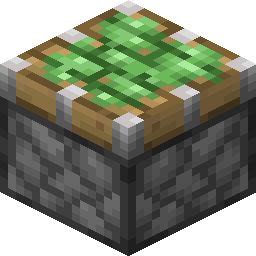 Sticky Piston, one of the 12 in the same group
 Dispenser, another of the 12 components in this group
 Dropper, grouped with Honey Block, 12 of them in total
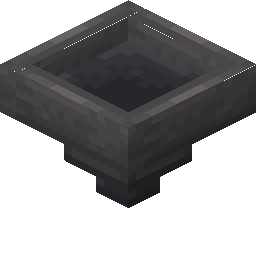 Hopper, sits in the same group of 12 as Honey Block
Honey Block: hardness, blast resistance and light level
Hardness 0 on Honey Block means one hit with anything, including your fist.
No light comes off Honey Block, so torch the area around it if that matters. Honey Block resists explosions to 0, the same as its hardness, which means TNT clears it.
| Honey Block | In Java Edition |
|---|---|
| Honey Block hardness | 0 |
| Honey Block blast resistance | 0 |
| Fastest tool on Honey Block | no tool in particular |
| Light out of Honey Block | 0 |