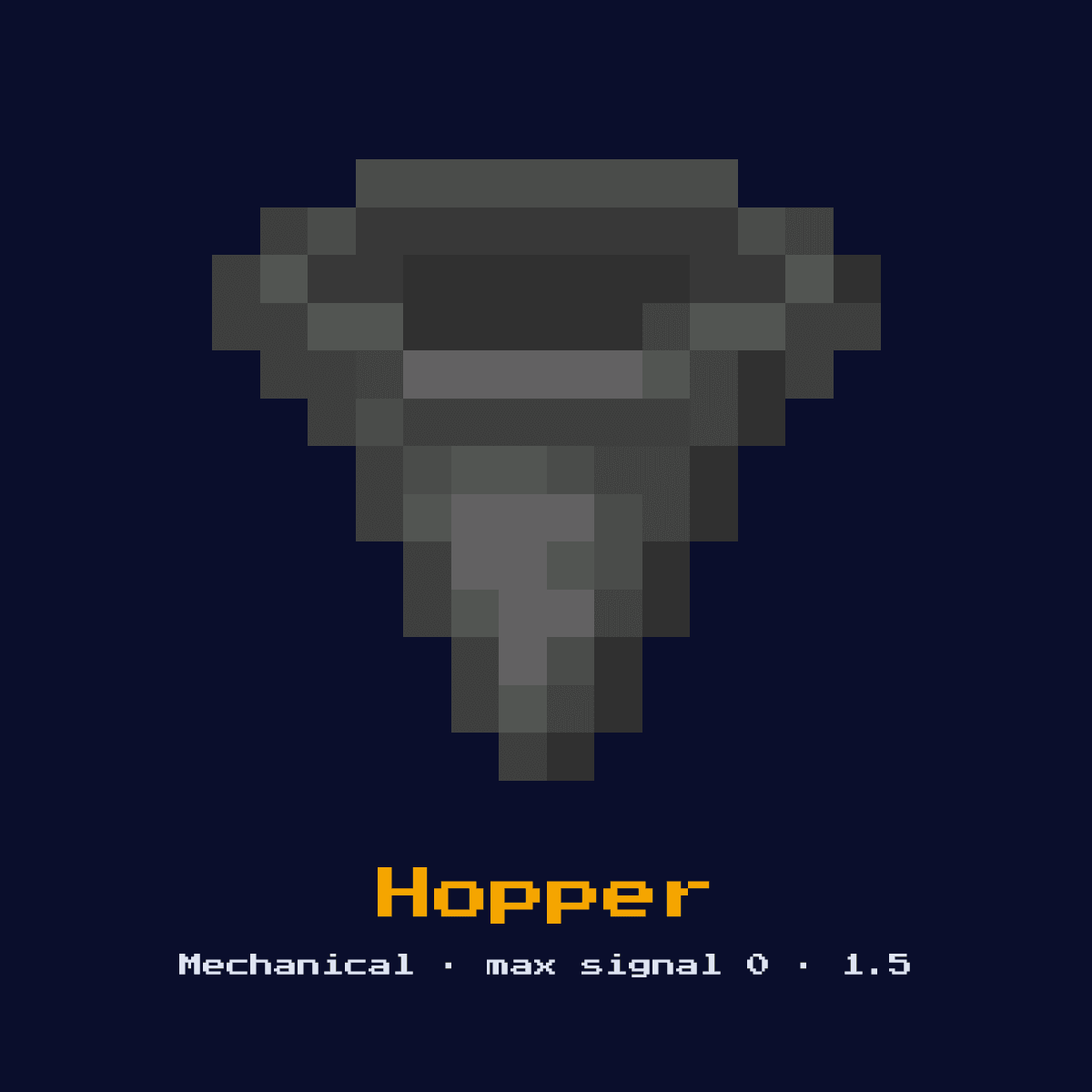
HOPPER
Collects items from above and transfers them to the container it points at. Can be locked (disabled) with a redstone signal. Transfers 1 item every 8 game ticks (0.4 seconds).
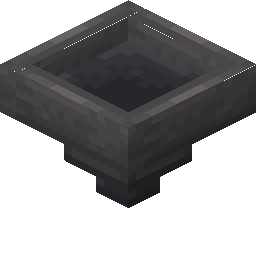
Crafting Recipe
5 Iron Ingots + 1 Chest → 1 Hopper
Signal Behavior
Input
Redstone signal locks (disables) the hopper
Output
 Output
None
Max Signal Strength
0
Delay
Transfers every 8 game ticks (2.5 items/sec)
Modes
- Active (transferring)
- Locked (powered, not transferring)
Crafting Hopper: the grid and what it all costs
The 3x3 recipe for Hopper asks for 5 Iron Ingot and 1 Chest. 6 items in, one Hopper out.
Iron Ingot is the bulk of it, 5 out of 6, and the other 1 ingredient fills the rest.
Where each item goes in the 3x3 Hopper grid


| Goes into Hopper | Amount in the grid |
|---|---|
| Iron Ingot | 5 |
| Chest | 1 |
| Hopper out of one craft | 1 |
Read straight off the Hopper recipe in Java Edition 26.2.
The Hopper in short: what it is and what it does
Collects items from above and transfers them to the container it points at. Can be locked (disabled) with a redstone signal. Transfers 1 item every 8 game ticks (0.4 seconds).
As a mechanical component it converts a redstone signal into physical action rather than passing the signal onward. It is the item-logistics backbone, collecting, routing, and metering items across farms, sorters, and storage halls.
Minecraft 1.5 brought the Hopper in. What follows is how it behaves in Java Edition 26.2.
The redstone mechanics of the Hopper, step by step
On the input side, redstone signal locks (disables) the hopper. It returns no redstone signal of its own, its effect is a physical action in the world.
It sucks items from any inventory directly above it and from item entities resting on top, then pushes them one at a time into whatever container it points at, moving one item every 8 game ticks (2.5 items per second). A redstone signal does not start it, it locks it, freezing transfer until the power is removed.
Timing-wise, factor in transfers every 8 game ticks (2.5 items/sec) when you wire it into a sequenced circuit.
The Hopper has 2 settings you need to know about before you place it, and here they are: active (transferring) and locked (powered, not transferring).
From nothing to a working Hopper
- 1Craft the Hopper: 5 Iron Ingots + 1 Chest → 1 Hopper.
- 2Pick the spot before you place anything: the Hopper needs a solid surface under it and a clear line through to whatever block it is meant to push out of the way.
- 3Feed it a redstone pulse or signal from a lever, button, or circuit; it will perform its action and ignore further power until the input changes.
- 4Flip the input once and watch the Hopper on its own before you wire anything else to it, because a wrong facing or a wrong block behind it is far cheaper to fix at this point than later.
Uses & applications of the Hopper
- ▸Item collection
- ▸Item sorting systems
- ▸Auto-smelter chains
- ▸Storage systems
- ▸Item filters
Tips & common mistakes
- !Powered hopper is LOCKED, not active
- !Slower than water streams for bulk transport
- !Points in the direction placed, not facing player
- !Power a hopper and it stops, the opposite of most blocks; redstoners exploit this to gate item flow in clocks and sorters.
Questions people ask about the Hopper

Why would you put a Hopper in a Minecraft redstone build?
The Hopper is most often used for item collection, item sorting systems, auto-smelter chains, and storage systems. As a mechanical component it converts a redstone signal into physical action rather than passing the signal onward.

How strong is the signal out of a Hopper?
The Hopper does not output a redstone signal of its own; its result is none. Its purpose is physical action, not signal generation.

How do you craft the Hopper?
5 Iron Ingots + 1 Chest → 1 Hopper. It was introduced in 1.5.

Does the Hopper add any delay to a circuit?
Yes, transfers every 8 game ticks (2.5 items/sec). Account for that timing when chaining it with other components, especially in clocks and fast doors.

Does powering a hopper turn it on or off?
Powering a hopper locks it, which stops all item transfer. Hoppers move items only when unpowered. This inverted behaviour is what makes hoppers useful as item gates in sorters and hopper clocks.
Components that connect to Hopper
These 6 component pages share something concrete with Hopper, not just a topic:
 Crafter, another of the 12 components in this group
 Slime Block, another of the 12 components in this group
 Honey Block, one of the 12 in the same group
 Piston, sits in the same group of 12 as Hopper
 Sticky Piston, another of the 12 components in this group
 Dispenser, another of the 12 components in this group
Hopper: hardness, blast resistance and light level
Hardness 3 is what Hopper costs you in swings, best spent with a pickaxe.
Light level 0: Hopper is dark, powered or not. 4.8 blast resistance on a block of hardness 3 means Hopper shrugs off what would clear its neighbours.
| Hopper | In Java Edition |
|---|---|
| Hopper hardness | 3 |
| Hopper blast resistance | 4.8 |
| Fastest tool on Hopper | pickaxe |
| Light out of Hopper | 0 |