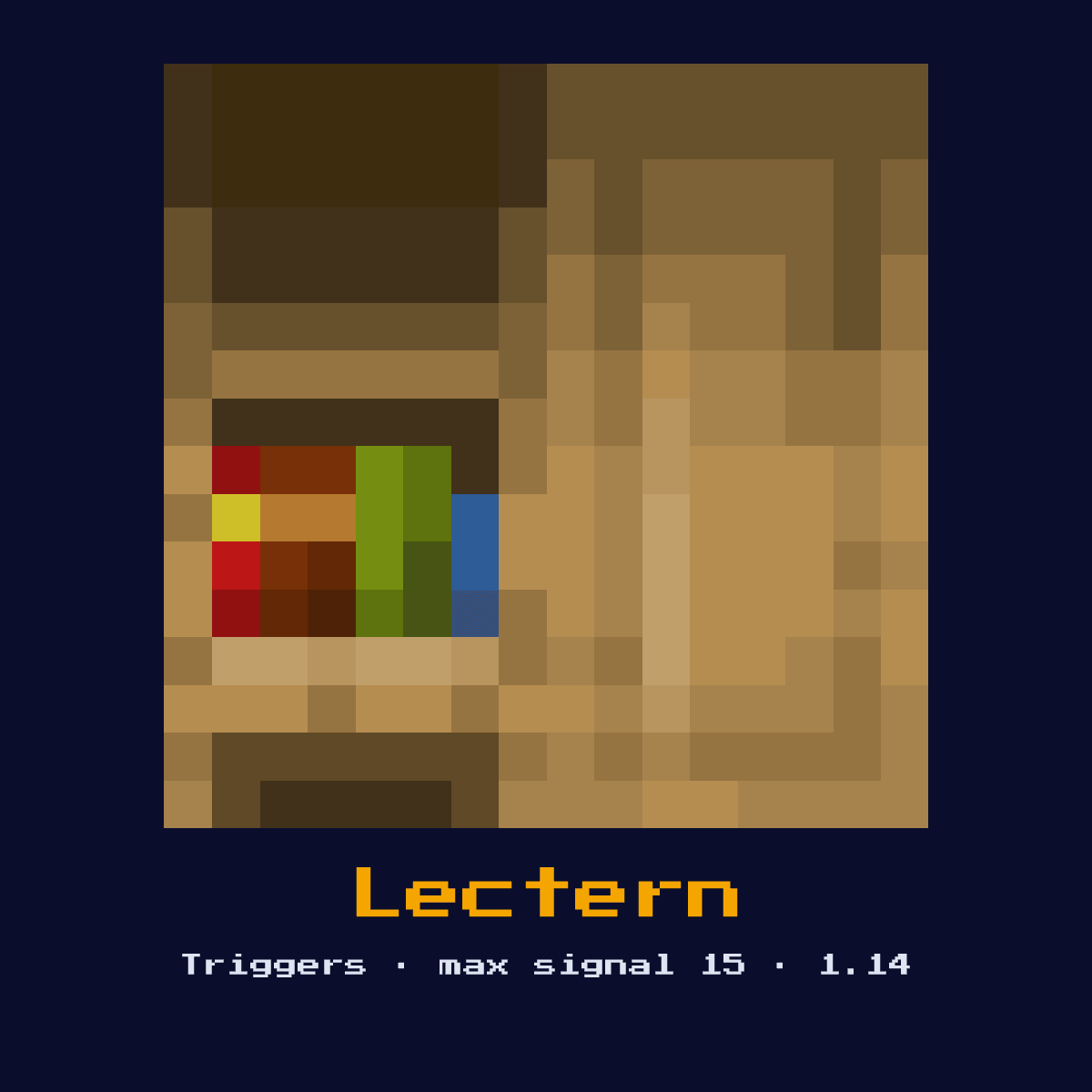
LECTERN
Outputs a redstone signal proportional to the page being read in the placed book. Also emits a pulse when a player turns a page. Can be read by comparators for the page number.

Crafting Recipe
4 Wooden Slabs + 1 Bookshelf → 1 Lectern
Signal Behavior
Input
 Input
InputBook placed on lectern, player page turns
Output
 Output
Comparator: signal proportional to page number. Direct: pulse on page turn.
Max Signal Strength
15
Delay
 Delay
DelayInstant pulse on page turn
Modes
- Pulse on page turn
- Analog output via comparator (page position)
How to craft Lectern: the grid and ingredient cost
One Lectern takes 4 Wooden Slabs and 1 Bookshelf, laid out in a 3x3 pattern on the crafting grid. 5 items in, one Lectern out.
Count on 4 Wooden Slabs per Lectern; that is where 80 percent of the cost sits. Lectern accepts any variant in the wooden slabs slot, which means the colour of your Lectern recipe is up to whatever you happen to be carrying.
Lectern crafting pattern, 3x3


| Ingredient for Lectern | Amount per craft |
|---|---|
| Wooden Slabs (any variant) | 4 |
| Bookshelf | 1 |
| Lectern you get per craft | 1 |
The Lectern recipe as it stands in Java Edition 26.2.
Start here: what a Lectern is and what it does
Outputs a redstone signal proportional to the page being read in the placed book. Also emits a pulse when a player turns a page. Can be read by comparators for the page number.
As a trigger it watches the world for an event and converts that event into a redstone signal. It is an analog input device, turning book pages into selectable signal values for menus and adventure maps.
The version to remember for the Lectern is 1.14, when it arrived; this page follows Java Edition 26.2.
How the Lectern works: the redstone mechanics
The Lectern takes its cue where book placed on lectern, player page turns, and answers with comparator: signal proportional to page number. Direct: pulse on page turn..
With a book placed, a comparator reading it outputs a signal proportional to the current page out of the book's total pages. Turning a page also emits a brief direct pulse. An empty lectern produces nothing.
It acts instantly with no redstone-tick delay of its own, so it adds nothing to the timing of a circuit.
Out of the Lectern comes at most 15, one strength lost per block of dust, so 15 blocks is the range.
It operates in the following modes: pulse on page turn and analog output via comparator (page position).
How to put a Lectern down properly
- 1Craft the Lectern: 4 Wooden Slabs + 1 Bookshelf → 1 Lectern.
- 2Decide where the signal needs to start or land, then place the Lectern against a solid surface so it can see the event you want to detect.
- 3Lead the signal it produces into a repeater or dust line so the rest of your contraption can respond to the detected event.
- 4Test in a creative-mode plot first: trigger the input and confirm the Lectern behaves exactly as the timing above predicts before committing it to a survival build.
Uses & applications of the Lectern
- ▸Analog input device
- ▸Menu systems
- ▸Page-based selection
- ▸Adventure map controls
Tips & common mistakes
- !Requires a book to function
- !Comparator output differs from direct output
- !Signal depends on total page count ratio
- !The comparator value depends on the page-to-total ratio, so the same page number gives different signals in books of different lengths.
Lectern, frequently asked questions

What is the Lectern used for in Minecraft redstone?
The Lectern is most often used for analog input device, menu systems, page-based selection, and adventure map controls. As a trigger it watches the world for an event and converts that event into a redstone signal.

What signal strength does the Lectern output?
Comparator: signal proportional to page number. Direct: pulse on page turn. Its maximum signal strength is 15.
What does a Lectern cost to make?
4 Wooden Slabs + 1 Bookshelf → 1 Lectern. It was introduced in 1.14.

What is the most common mistake with the Lectern?
Requires a book to function. Comparator output differs from direct output.
Components that connect to Lectern
Follow Lectern further into the site through these 6 component pages:






The block behind Lectern: hardness, resistance and light
Breaking Lectern takes a hardness of 2.5, and an axe is what speeds that up.
Resistance 2.5: nothing special. An explosion beside Lectern removes it. Light level 0: Lectern is dark, powered or not.
| Lectern | Lectern in Java Edition |
|---|---|
| Lectern hardness | 2.5 |
| Lectern blast resistance | 2.5 |
| Fastest tool on Lectern | axe |
| Light out of Lectern | 0 |