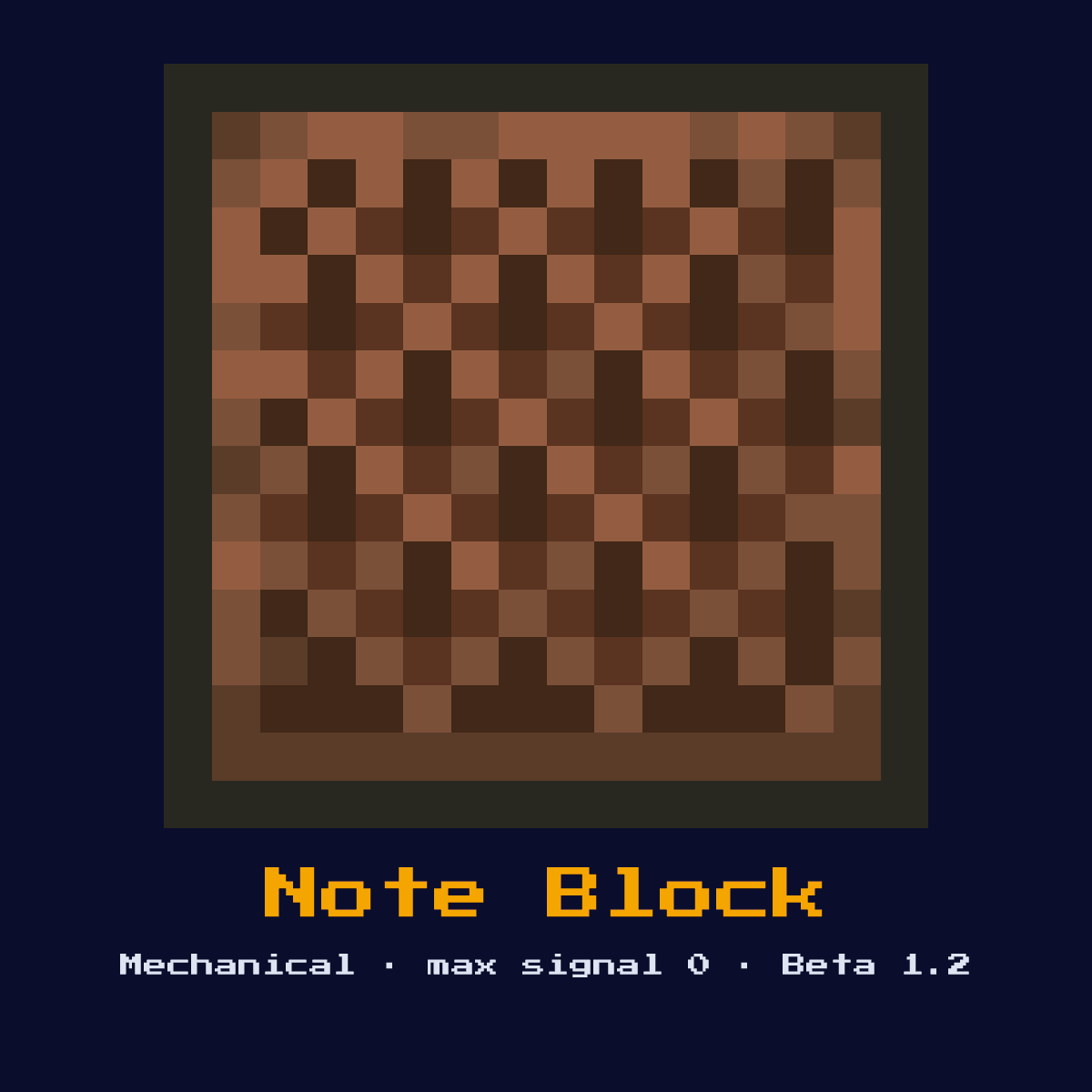
NOTE BLOCK
Plays a musical note when powered. The instrument depends on the block below it, and the pitch is set by right-clicking (25 pitches, 2 octaves). Can be detected by sculk sensors.
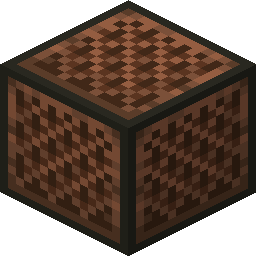
Crafting Recipe
8 Wooden Planks + 1 Redstone Dust → 1 Note Block
Signal Behavior
Input
 Input
InputRedstone pulse plays the note
Output
 Output
Sound output (detectable by sculk sensor)
Max Signal Strength
0
Delay
 Delay
DelayPlays on rising edge of signal
Modes
- 25 pitch levels across 2 octaves
Making Note Block: the pattern and the full ingredient count
One Note Block takes 8 Planks and 1 Redstone, laid out in a 3x3 pattern on the crafting grid. The craft yields exactly one Note Block for those 9 items.
Count on 8 Planks per Note Block; that is where 89 percent of the cost sits. Whatever planks you have works here, so Note Block never blocks on one specific wood.
Note Block in a 3x3 grid, square by square


| Ingredient in Note Block | Number of squares |
|---|---|
| Planks (any variant) | 8 |
| Redstone | 1 |
| Note Block out of a single craft | 1 |
As the Note Block crafting recipe stands in Java Edition 26.2.
Start here: what a Note Block is and what it does
Plays a musical note when powered. The instrument depends on the block below it, and the pitch is set by right-clicking (25 pitches, 2 octaves). Can be detected by sculk sensors.
As a mechanical component it converts a redstone signal into physical action rather than passing the signal onward. It is the musical output block, and since it makes a sound it doubles as a wireless trigger for sculk sensors.
Minecraft Beta 1.2 brought the Note Block in. What follows is how it behaves in Java Edition 26.2.
How the Note Block works: the redstone mechanics
What the Note Block reads: redstone pulse plays the note. What it gives back: sound output (detectable by sculk sensor).
A rising edge plays one note. The instrument is set by the block directly beneath it (wood gives bass, stone gives bass drum, and so on) and the pitch is raised one of 25 steps across two octaves by right-clicking. The air block directly above it must be clear or no sound comes out.
It produces no redstone output signal of its own, its result is the physical action it performs, so you read its effect in the world rather than off a wire.
It operates in the following modes: 25 pitch levels across 2 octaves.
How to set up the Note Block
- 1Craft the Note Block: 8 Wooden Planks + 1 Redstone Dust → 1 Note Block.
- 2Decide where the signal needs to start or land, then place the Note Block against a solid surface so it can act on the blocks in front of it.
- 3Feed it a redstone pulse or signal from a lever, button, or circuit; it will perform its action and ignore further power until the input changes.
- 4Test in a creative-mode plot first: trigger the input and confirm the Note Block behaves exactly as the timing above predicts before committing it to a survival build.
Jobs the Note Block does well
- ▸Musical contraptions
- ▸Alarm systems
- ▸Doorbells
- ▸Sculk sensor triggers (wireless redstone)
Tips & common mistakes
- !Block above must be air for sound
- !Instrument determined by block below
- !Right-click raises pitch, no way to lower except breaking
- !There is no way to lower a note's pitch, right-click cycles up only, so to drop it you must mine and replace the block.
Note Block FAQ: the questions people ask

What is the Note Block used for in Minecraft redstone?
The Note Block is most often used for musical contraptions, alarm systems, doorbells, and sculk sensor triggers (wireless redstone). As a mechanical component it converts a redstone signal into physical action rather than passing the signal onward.
What signal strength does the Note Block output?
The Note Block does not output a redstone signal of its own; its result is sound output (detectable by sculk sensor). Its purpose is physical action, not signal generation.

What is the recipe for a Note Block?
8 Wooden Planks + 1 Redstone Dust → 1 Note Block. It was introduced in Beta 1.2.
What is the most common mistake with the Note Block?
Block above must be air for sound. Instrument determined by block below.
Components that connect to Note Block
These 6 component pages share something concrete with Note Block, not just a topic:
- Redstone Dust, 1 of these sits in the recipe of Note Block
 Dropper, another of the 12 components in this group
 Hopper, one of the 12 in the same group
 TNT, another of the 12 components in this group
 Redstone Lamp, grouped with Note Block, 12 of them in total
 Bell, another of the 12 components in this group
How Note Block holds up: hardness, blasts and light level
Breaking Note Block takes a hardness of 0.8, and an axe is what speeds that up.
Note Block resists explosions to 0.8, the same as its hardness, which means TNT clears it. No light comes off Note Block, so torch the area around it if that matters.
| Note Block | Value in Java Edition |
|---|---|
| Note Block hardness | 0.8 |
| Note Block blast resistance | 0.8 |
| Fastest tool on Note Block | axe |
| Light out of Note Block | 0 |