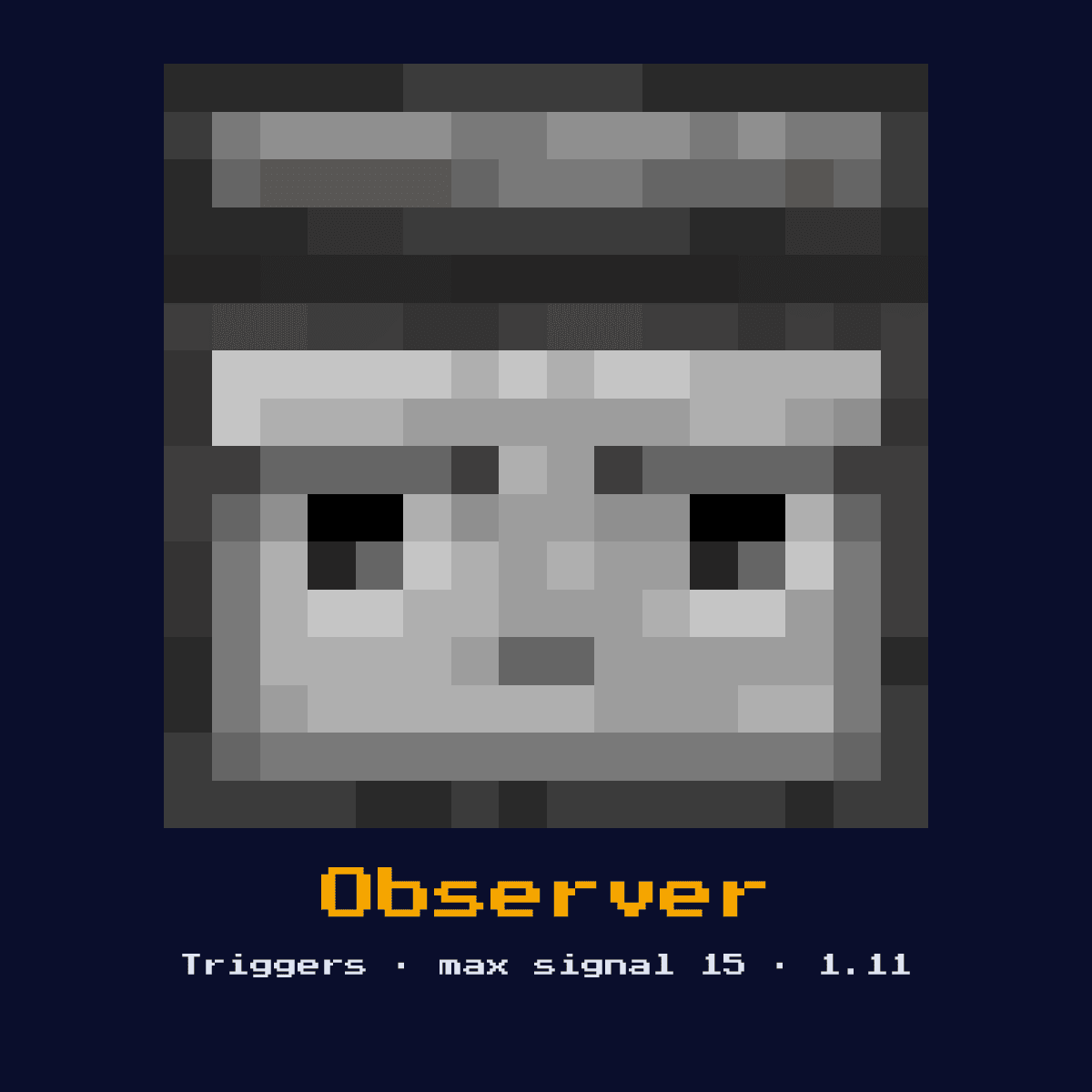
OBSERVER
Detects block state changes in front of its face and emits a 1-tick pulse from its back. Detects placement, removal, growth, state changes, and more.

Crafting Recipe
6 Cobblestone + 2 Redstone Dust + 1 Nether Quartz → 1 Observer
Signal Behavior
Input
 Input
InputBlock state change in front of face
Output
 Output
1-tick pulse (signal 15) from back
Max Signal Strength
15
Delay
2 game ticks (1 redstone tick) pulse
Modes
- Pulse on block update detection
The Observer recipe, laid out one square at a time
Observer comes out of a 3x3 arrangement of 6 Cobblestone, 2 Redstone and 1 Quartz. That is 9 items for a single Observer.
Most of that is Cobblestone: 6 of the 9 squares, so stock up on that before you start on Observer.
Observer laid out on the 3x3 grid


| Part of the Observer recipe | How many squares |
|---|---|
| Cobblestone | 6 |
| Redstone | 2 |
| Quartz | 1 |
| Observer the recipe hands back | 1 |
Straight from the Observer crafting recipe in Java Edition 26.2.
Start here: what an Observer is and what it does
Detects block state changes in front of its face and emits a 1-tick pulse from its back. Detects placement, removal, growth, state changes, and more.
As a trigger it watches the world for an event and converts that event into a redstone signal. It is the block-update sensor that powers crop-growth detection, BUD switches, and the cycle of every flying machine.
Minecraft 1.11 brought the Observer in. What follows is how it behaves in Java Edition 26.2.
How the Observer reads and answers a redstone signal
What the Observer reads: block state change in front of face. What it gives back: 1-tick pulse (signal 15) from back.
It watches the single block directly in front of its face and emits a 1-redstone-tick (2-game-tick) pulse of signal 15 from its back whenever that block changes state, placed, broken, grown, powered, and so on. It reads only that one front block, never its sides.
Its output is a pulse, not a held signal: 2 game ticks (1 redstone tick) pulse.
The Observer tops out at 15. Count 15 blocks of bare dust away from it and the signal has fallen to nothing at all.
Which of the 1 states the Observer happens to be in changes the answer it gives, so keep track of them: pulse on block update detection.
From nothing to a working Observer
- 1Craft the Observer: 6 Cobblestone + 2 Redstone Dust + 1 Nether Quartz → 1 Observer.
- 2Place the Observer last of all, once you know exactly where the signal begins and where it has to end, so that its facing comes out right the very first time.
- 3Lead the signal it produces into a repeater or dust line so the rest of your contraption can respond to the detected event.
- 4Give it one dry run before anything else. If the Observer does not do exactly what the numbers above say it should, the fault is almost always its facing or the block sitting behind it.
Jobs the Observer does well
- ▸Block update detection
- ▸Crop growth detection
- ▸Sugarcane/bamboo farms
- ▸BUD switches
- ▸Flying machines
Tips & common mistakes
- !Only detects block in front of face, not adjacent
- !Emits from back, not the detecting face
- !1-tick pulse is very short, may need extension
- !The output comes from the back face, not the watching face, and the pulse is just 1 tick long, so you often need a repeater to stretch it.
Questions people ask about the Observer

Where does the Observer earn its place in a redstone build?
The Observer is most often used for block update detection, crop growth detection, sugarcane/bamboo farms, and BUD switches. As a trigger it watches the world for an event and converts that event into a redstone signal.
Does the Observer give a full 15?
15 is the number to plan around for the Observer. 1-tick pulse (signal 15) from back.

What is the recipe for an Observer?
6 Cobblestone + 2 Redstone Dust + 1 Nether Quartz → 1 Observer. It was introduced in 1.11.

How long is the Observer's pulse?
2 game ticks (1 redstone tick) pulse. Because it is a pulse rather than a held signal, use an extender if you need the output to last longer, or an edge detector if you need exactly one trigger.
Which side of an observer outputs the signal?
The observer outputs its pulse from the back, the face with the small dot, opposite the larger watching face. It detects changes only in the single block directly in front of the watching face and fires a 1-redstone-tick pulse.
Components that connect to Observer
Follow Observer further into the site through these 6 component pages:
- Redstone Dust, 2 of these sit in the recipe of Observer
 Powered Rail, sits in the same group of 9 as Observer
 Activator Rail, one of the 9 in the same group
 Lightning Rod, grouped with Observer, 9 of them in total
 Jukebox, grouped with Observer, 9 of them in total
 Trapped Chest, sits in the same group of 9 as Observer
Mining Observer: how hard, how bright and how tough
At hardness 3, Observer is a real dig with a pickaxe.
It emits no light of its own, so it will not stop a mob spawning next to it. Observer resists explosions to 3, the same as its hardness, which means TNT clears it.
| Observer | Java Edition value |
|---|---|
| Observer hardness | 3 |
| Observer blast resistance | 3 |
| Fastest tool on Observer | pickaxe |
| Light out of Observer | 0 |