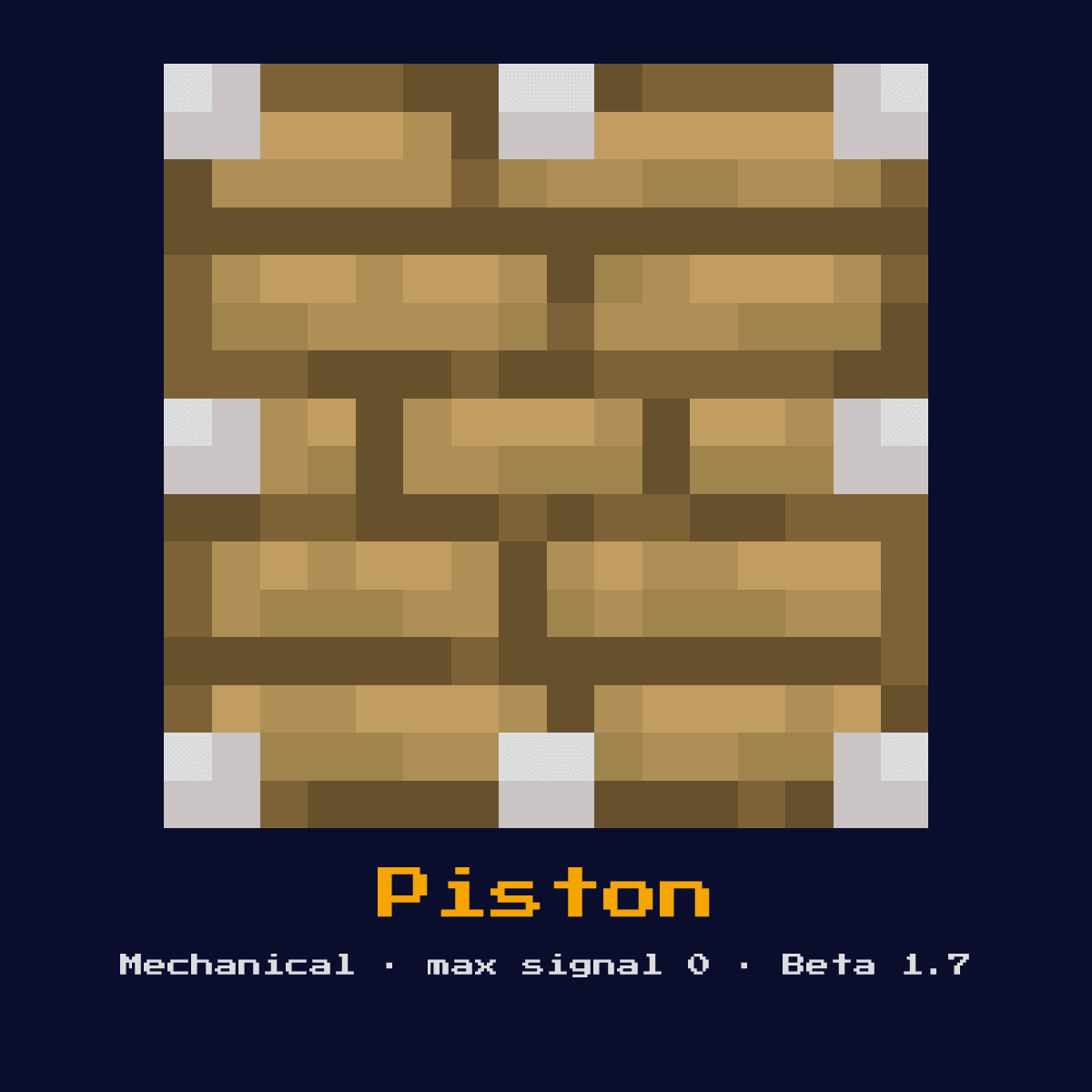
PISTON
Extends when powered, pushing up to 12 blocks in its facing direction. Cannot push obsidian, bedrock, or extended pistons. Does not pull blocks back when retracting.

Crafting Recipe
3 Wooden Planks + 4 Cobblestone + 1 Iron Ingot + 1 Redstone Dust → 1 Piston
Signal Behavior
Input
 Input
InputAny redstone signal (including quasi-connectivity in Java)
Output
 Output
None (mechanical output only)
Max Signal Strength
0
Delay
0 ticks to extend (instant), 3 game ticks to retract
Modes
- Extended
- Retracted
Making Piston: the pattern and the full ingredient count
Piston comes out of a 3x3 arrangement of 4 Cobblestone, 3 Planks, 1 Iron Ingot and 1 Redstone. That is 9 items for a single Piston.
Count on 4 Cobblestone per Piston; that is where 44 percent of the cost sits. Piston accepts any variant in the planks slot, which means the colour of your Piston recipe is up to whatever you happen to be carrying.
Piston in a 3x3 grid, square by square


| Ingredient in Piston | Number of squares |
|---|---|
| Cobblestone | 4 |
| Planks (any variant) | 3 |
| Iron Ingot | 1 |
| Redstone | 1 |
| Piston out of a single craft | 1 |
As the Piston crafting recipe stands in Java Edition 26.2.
Start here: what a Piston is and what it does
Extends when powered, pushing up to 12 blocks in its facing direction. Cannot push obsidian, bedrock, or extended pistons. Does not pull blocks back when retracting.
As a mechanical component it converts a redstone signal into physical action rather than passing the signal onward. It is the workhorse of block movement, pushing walls, doors, and entire flying machines.
Since Beta 1.7 the Piston has been part of redstone, and Java Edition 26.2 is the version described here.
How the Piston reads and answers a redstone signal
On the input side, any redstone signal (including quasi-connectivity in Java). It returns no redstone signal of its own, its effect is mechanical output only.
When powered it shoves up to 12 blocks in a line in its facing direction. It extends effectively instantly and takes 3 game ticks to retract, but unlike a sticky piston it leaves the pushed block behind on retraction. It cannot move obsidian, bedrock, or any tile entity such as a chest.
Powering note: Reacts to power from any side, and in Java also to quasi-connectivity from the block diagonally above.
Timing-wise, factor in 0 ticks to extend (instant), 3 game ticks to retract when you wire it into a sequenced circuit.
Which of the 2 states the Piston happens to be in changes the answer it gives, so keep track of them: extended and retracted.
Placing the Piston, step by step
- 1Craft the Piston: 3 Wooden Planks + 4 Cobblestone + 1 Iron Ingot + 1 Redstone Dust → 1 Piston.
- 2Place the Piston last of all, once you know exactly where the signal begins and where it has to end, so that its facing comes out right the very first time.
- 3Feed it a redstone pulse or signal from a lever, button, or circuit; it will perform its action and ignore further power until the input changes.
- 4Give it one dry run before anything else. If the Piston does not do exactly what the numbers above say it should, the fault is almost always its facing or the block sitting behind it.
Jobs the Piston does well
- ▸Pushing blocks
- ▸Hidden doors
- ▸Farms
- ▸Flying machines
- ▸Block swappers
Tips & common mistakes
- !12-block push limit
- !Cannot push obsidian/bedrock/tile entities
- !Quasi-connectivity can cause unexpected behavior (Java only)
- !In Java Edition quasi-connectivity means a piston can fire from power placed above-and-beside it, which surprises players porting designs from Bedrock.
Piston, frequently asked questions

Where does the Piston earn its place in a redstone build?
The Piston is most often used for pushing blocks, hidden doors, farms, and flying machines. As a mechanical component it converts a redstone signal into physical action rather than passing the signal onward.
Does the Piston give a full 15?
The Piston does not output a redstone signal of its own; its result is none (mechanical output only). Its purpose is physical action, not signal generation.

What is the recipe for a Piston?
3 Wooden Planks + 4 Cobblestone + 1 Iron Ingot + 1 Redstone Dust → 1 Piston. It was introduced in Beta 1.7.

Does the Piston add any delay to a circuit?
Yes, 0 ticks to extend (instant), 3 game ticks to retract. Account for that timing when chaining it with other components, especially in clocks and fast doors.
Components that connect to Piston
6 other component pages tie straight into Piston, and here is what the link is:




Piston: hardness, blast resistance and light level
At hardness 1.5, Piston is a few seconds with a pickaxe.
No light comes off Piston, so torch the area around it if that matters. Piston resists explosions to 1.5, the same as its hardness, which means TNT clears it.
| Piston | In Java Edition |
|---|---|
| Piston hardness | 1.5 |
| Piston blast resistance | 1.5 |
| Fastest tool on Piston | pickaxe |
| Light out of Piston | 0 |