SLIME BLOCK
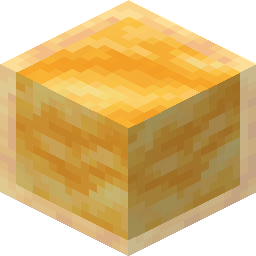
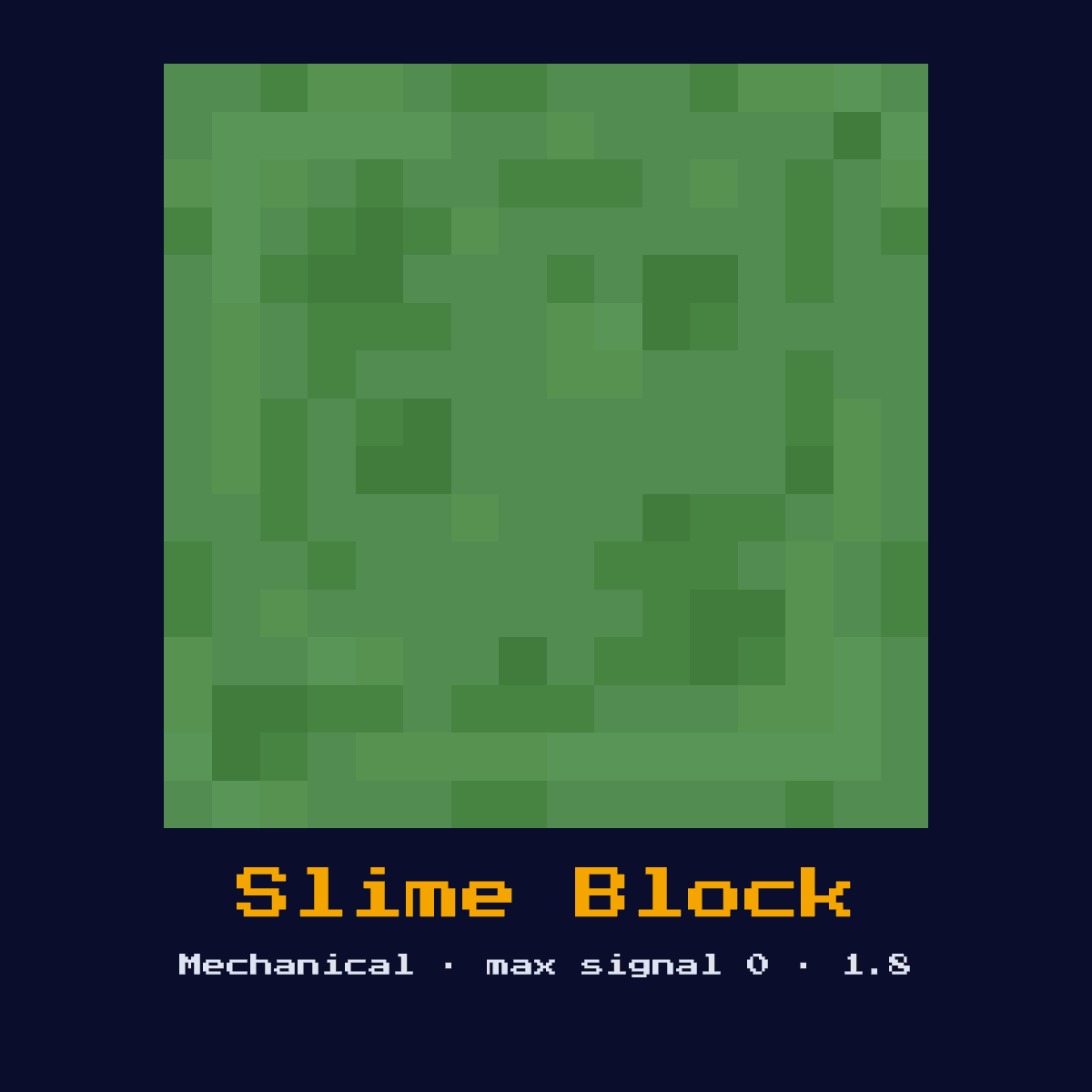
A bouncy transparent block that sticks to adjacent blocks when pushed or pulled by pistons. Forms the backbone of flying machines. Entities bounce when landing on it.

Crafting Recipe
9 Slime Balls → 1 Slime Block
Signal Behavior
Input
 Input
InputNone (passive, moved by pistons)
Output
 Output
None
Max Signal Strength
0
Delay
 Delay
DelayN/A
Modes
- Sticky (attaches to adjacent blocks when piston moves)
Slime Block, in one place: what it is and what it does
A bouncy transparent block that sticks to adjacent blocks when pushed or pulled by pistons. Forms the backbone of flying machines. Entities bounce when landing on it.
As a mechanical component it converts a redstone signal into physical action rather than passing the signal onward. Despite the slug, this is the Slime Block, the sticky, bouncy block that glues flying machines together.
The version to remember for the Slime Block is 1.8, when it arrived; this page follows Java Edition 26.2.
How the Slime Block reads and answers a redstone signal
On the input side, none (passive, moved by pistons). It returns no redstone signal of its own, its effect is a physical action in the world.
When a piston pushes or pulls it, it drags every block stuck to its faces along with it (up to the 12-block piston limit), which is how multi-block flying machines move as one unit. It sticks to almost everything except honey blocks and glazed terracotta, and entities bounce off it instead of taking fall damage.
Which of the 1 states the Slime Block happens to be in changes the answer it gives, so keep track of them: sticky (attaches to adjacent blocks when piston moves).
From nothing to a working Slime Block
- 1Craft the Slime Block: 9 Slime Balls → 1 Slime Block.
- 2Place the Slime Block last of all, once you know exactly where the signal begins and where it has to end, so that its facing comes out right the very first time.
- 3Feed it a redstone pulse or signal from a lever, button, or circuit; it will perform its action and ignore further power until the input changes.
- 4Give it one dry run before anything else. If the Slime Block does not do exactly what the numbers above say it should, the fault is almost always its facing or the block sitting behind it.
Where the Slime Block earns its keep
- ▸Flying machines
- ▸Piston doors
- ▸Player launchers
- ▸Block movers
- ▸Bouncy floors
Tips & common mistakes
- !Does not stick to honey blocks
- !Adds to piston push count (12 block limit)
- !Glazed terracotta is not pulled by slime blocks
- !It will not stick to a honey block, and that deliberate non-bond is exactly how slime-and-honey machines separate cleanly.
Slime Block FAQ: the questions people ask

Where does the Slime Block earn its place in a redstone build?
The Slime Block is most often used for flying machines, piston doors, player launchers, and block movers. As a mechanical component it converts a redstone signal into physical action rather than passing the signal onward.

Does the Slime Block give a full 15?
The Slime Block does not output a redstone signal of its own; its result is none. Its purpose is physical action, not signal generation.

What is the recipe for a Slime Block?
9 Slime Balls → 1 Slime Block. It was introduced in 1.8.

What is the most common mistake with the Slime Block?
Does not stick to honey blocks. Adds to piston push count (12 block limit).
Components that connect to Slime Block
Where to go next from Slime Block: 6 component pages with a real connection to it.