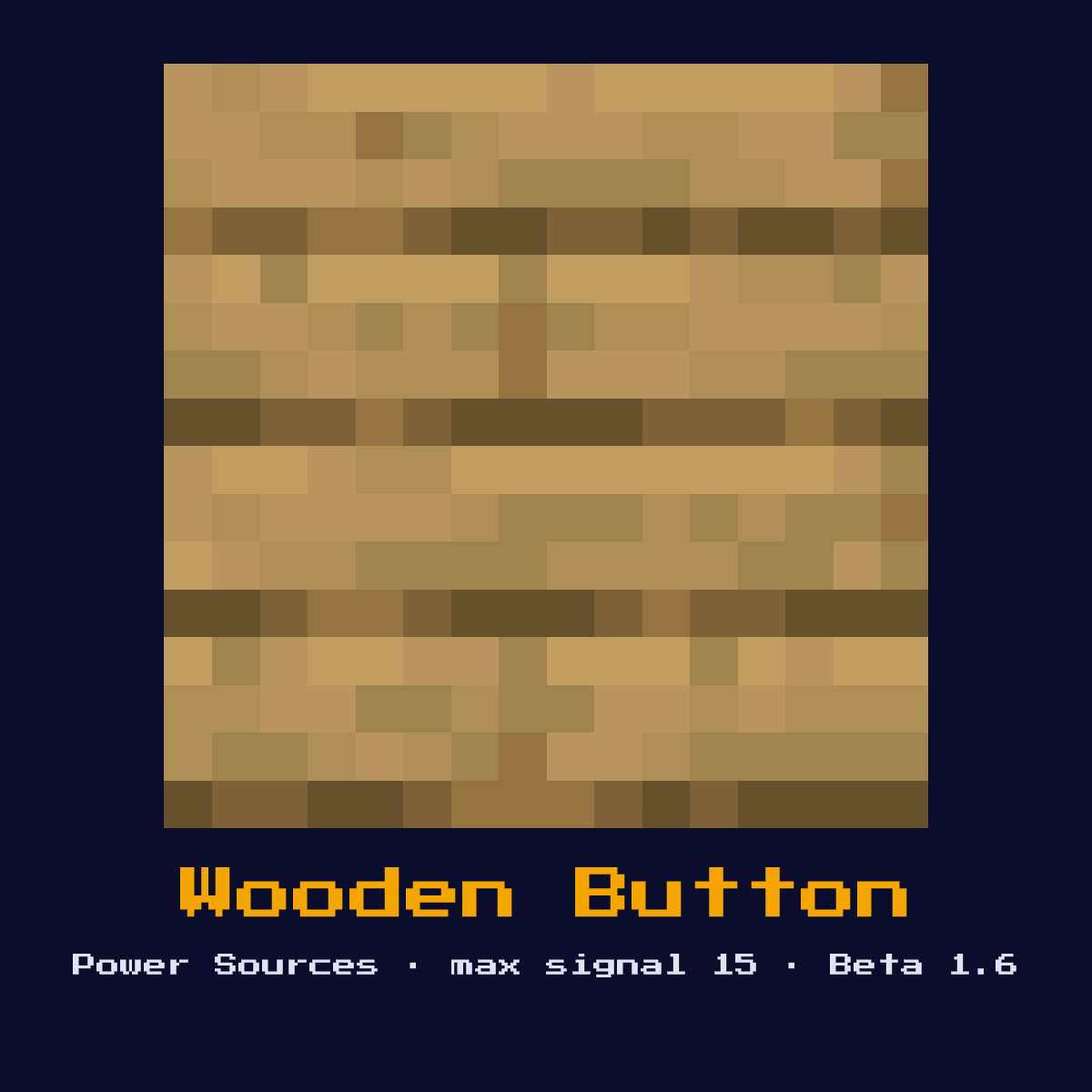
WOODEN BUTTON
A momentary switch that emits a redstone pulse of 15 for 15 redstone ticks (1.5 seconds). Can be activated by arrows, making it useful for arrow-triggered mechanisms.
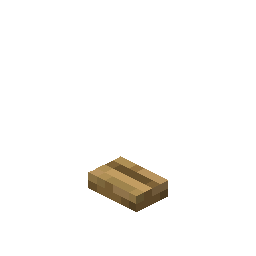
Crafting Recipe
1 Wooden Plank → 1 Wooden Button
Signal Behavior
Input
 Input
InputPlayer interaction or arrow hit
Output
 Output
Signal strength 15 for 15 ticks (1.5 seconds)
Max Signal Strength
15
Delay
15 redstone ticks (1.5 seconds) pulse duration
Modes
- Momentary pulse
What Wooden Button costs you on the crafting grid, exactly
Crafting Wooden Button takes 1 Oak Planks in any position, since the recipe ignores where the items sit. 1 item in, one Wooden Button out.
| Wooden Button is built from | Squares it fills |
|---|---|
 Oak Planks Oak Planks | 1 |
| Wooden Button you end up with | 1 |
Taken from the Wooden Button crafting recipe in Java Edition 26.2.
What the Wooden Button is, and what it does for you
A momentary switch that emits a redstone pulse of 15 for 15 redstone ticks (1.5 seconds). Can be activated by arrows, making it useful for arrow-triggered mechanisms.
As a power source it sits at the start of a circuit, generating the signal that everything downstream reacts to. Its arrow activation makes it the go-to input for ranged triggers and hidden traps where the player should not have to touch the wall.
The Wooden Button was added to Minecraft in Beta 1.6; everything below is its Java Edition 26.2 behaviour.
Inside the Wooden Button: what the signal actually does
On the input side, player interaction or arrow hit. On the output side, signal strength 15 for 15 ticks (1.5 seconds).
A press or an arrow hit emits signal 15 for 15 redstone ticks (1.5 seconds). An embedded arrow holds the button down for its full duration but does not re-trigger while stuck, so the pulse length is fixed regardless of how the arrow lands.
Its output is a pulse, not a held signal: 15 redstone ticks (1.5 seconds) pulse duration.
It can output a maximum signal strength of 15, which travels 15 blocks through bare redstone dust before fading to nothing.
These are the modes you can put the Wooden Button into, and each one changes what comes out: momentary pulse.
Placing the Wooden Button, step by step
- 1Craft the Wooden Button: 1 Wooden Plank → 1 Wooden Button.
- 2Set the Wooden Button down facing the way the signal has to travel, on a block that will actually hold it in place, with the dust already run out on the far side.
- 3Run redstone dust away from it toward the component you want to control, remembering the signal will fall by 1 per block.
- 4Before it goes anywhere near a real build, run the Wooden Button on its own a few times over and check every result against the timing figures listed above this step.
Uses & applications
- ▸Arrow-activated traps
- ▸Longer pulse than stone button
- ▸Remote activation with arrows
- ▸Decorative switches
Tips & common mistakes
- !Arrow stays embedded, does not re-trigger
- !Longer pulse can cause timing issues in fast circuits
- !The longer 1.5-second pulse can over-run fast circuits, if a downstream piston double-fires, shorten the pulse with a monostable or switch to a stone button.
Wooden Button FAQ: the questions people ask
What do redstoners actually build with the Wooden Button in Minecraft?
The Wooden Button is most often used for arrow-activated traps, longer pulse than stone button, remote activation with arrows, and decorative switches. As a power source it sits at the start of a circuit, generating the signal that everything downstream reacts to.

How far does the Wooden Button push a signal?
Up to 15 out of the Wooden Button, and not a level more than that. Signal strength 15 for 15 ticks (1.5 seconds).
What does a Wooden Button cost to make?
1 Wooden Plank → 1 Wooden Button. It was introduced in Beta 1.6.

How long is the Wooden Button's pulse?
15 redstone ticks (1.5 seconds) pulse duration. Because it is a pulse rather than a held signal, use an extender if you need the output to last longer, or an edge detector if you need exactly one trigger.
Components that connect to Wooden Button
6 other component pages tie straight into Wooden Button, and here is what the link is:
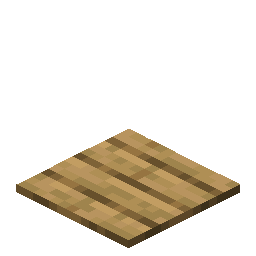 Wooden Pressure Plate, sits in the same group of 13 as Wooden Button
 Heavy Weighted Pressure Plate, one of the 13 in the same group
 Light Weighted Pressure Plate, another of the 13 components in this group
 Daylight Detector, another of the 13 components in this group
 Tripwire Hook, grouped with Wooden Button, 13 of them in total
 Sculk Sensor, another of the 13 components in this group
Wooden Button as a block: the four numbers that matter most
Bring an axe: Wooden Button has a hardness of 0.5.
Blast resistance matches at 0.5, so a creeper next to Wooden Button takes it with him. It emits no light of its own, so it will not stop a mob spawning next to it.
| Wooden Button | What Java Edition says |
|---|---|
| Wooden Button hardness | 0.5 |
| Wooden Button blast resistance | 0.5 |
| Fastest tool on Wooden Button | axe |
| Light out of Wooden Button | 0 |