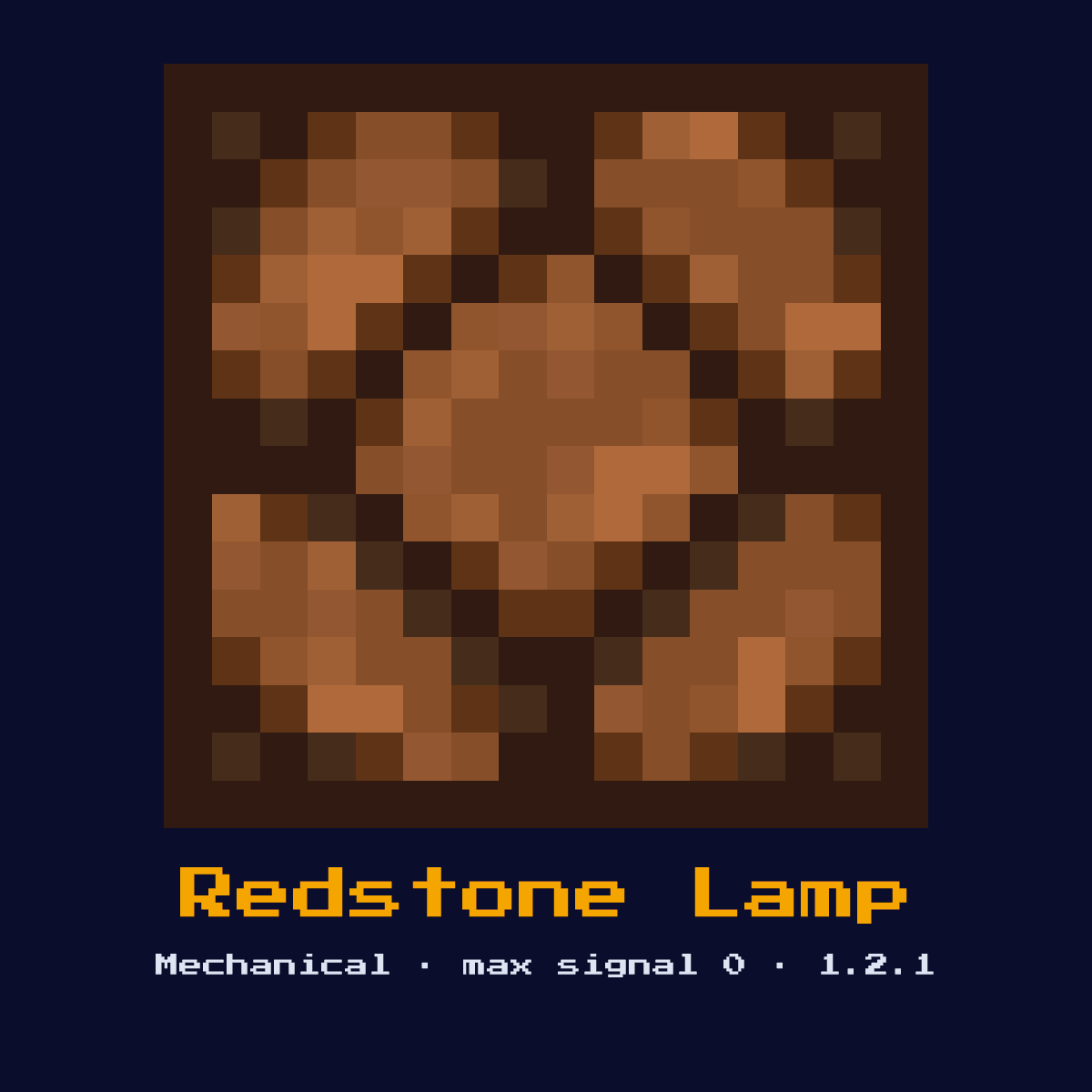
REDSTONE LAMP
A light source that turns on when powered by redstone. Emits light level 15 when on, 0 when off. Has a slight delay when turning off (2 redstone ticks).

Crafting Recipe
4 Redstone Dust + 1 Glowstone → 1 Redstone Lamp
Signal Behavior
Input
 Input
InputAny redstone signal
Output
 Output
Light level 15 when powered
Max Signal Strength
0
Delay
Instant on, 2 redstone ticks to turn off
Modes
- On (powered)
- Off (unpowered)
Crafting Redstone Lamp: the grid and what it all costs
Redstone Lamp comes out of a 3x3 arrangement of 4 Redstone and 1 Glowstone. The craft yields exactly one Redstone Lamp for those 5 items.
Count on 4 Redstone per Redstone Lamp; that is where 80 percent of the cost sits.
Where each item goes in the 3x3 Redstone Lamp grid


| Goes into Redstone Lamp | Amount in the grid |
|---|---|
| Redstone | 4 |
| Glowstone | 1 |
| Redstone Lamp out of one craft | 1 |
Read straight off the Redstone Lamp recipe in Java Edition 26.2.
The Redstone Lamp in short: what it is and what it does
A light source that turns on when powered by redstone. Emits light level 15 when on, 0 when off. Has a slight delay when turning off (2 redstone ticks).
As a mechanical component it converts a redstone signal into physical action rather than passing the signal onward. It is the standard controllable light, used for runway strips, status boards, and pixel displays.
Since 1.2.1 the Redstone Lamp has been part of redstone, and Java Edition 26.2 is the version described here.
How the Redstone Lamp reads and answers a redstone signal
Input for the Redstone Lamp means any redstone signal, and the output is light level 15 when powered.
Power it from any side and it lights to level 15 instantly. When power is removed it stays lit for 2 redstone ticks before going dark. It can be lit by an adjacent powered solid block, not just by dust, which makes wall-of-lamps displays compact.
Timing-wise, factor in instant on, 2 redstone ticks to turn off when you wire it into a sequenced circuit.
It produces no redstone output signal of its own, its result is the physical action it performs, so you read its effect in the world rather than off a wire.
Which of the 2 states the Redstone Lamp happens to be in changes the answer it gives, so keep track of them: on (powered) and off (unpowered).
How to set up the Redstone Lamp
- 1Craft the Redstone Lamp: 4 Redstone Dust + 1 Glowstone → 1 Redstone Lamp.
- 2Place the Redstone Lamp last of all, once you know exactly where the signal begins and where it has to end, so that its facing comes out right the very first time.
- 3Feed it a redstone pulse or signal from a lever, button, or circuit; it will perform its action and ignore further power until the input changes.
- 4Give it one dry run before anything else. If the Redstone Lamp does not do exactly what the numbers above say it should, the fault is almost always its facing or the block sitting behind it.
What the Redstone Lamp is used for
- ▸Automatic lighting
- ▸Display boards
- ▸Status indicators
- ▸Runway lights
- ▸Binary displays
Tips & common mistakes
- !2-tick delay when turning off can affect fast circuits
- !Can be powered by adjacent powered blocks
- !That 2-tick off delay matters in fast displays, a lamp will appear to lag one frame behind the signal driving it.
Questions people ask about the Redstone Lamp

Where does the Redstone Lamp earn its place in a redstone build?
The Redstone Lamp is most often used for automatic lighting, display boards, status indicators, and runway lights. As a mechanical component it converts a redstone signal into physical action rather than passing the signal onward.
Does the Redstone Lamp give a full 15?
The Redstone Lamp does not output a redstone signal of its own; its result is light level 15 when powered. Its purpose is physical action, not signal generation.
What does a Redstone Lamp cost to make?
4 Redstone Dust + 1 Glowstone → 1 Redstone Lamp. It was introduced in 1.2.1.

Does the Redstone Lamp add any delay to a circuit?
Yes, instant on, 2 redstone ticks to turn off. Account for that timing when chaining it with other components, especially in clocks and fast doors.
Components that connect to Redstone Lamp
Where to go next from Redstone Lamp: 6 component pages with a real connection to it.
- Redstone Dust, you need 4 of these before you can craft Redstone Lamp
 Slime Block, sits in the same group of 12 as Redstone Lamp
 Honey Block, one of the 12 in the same group
 Piston, sits in the same group of 12 as Redstone Lamp
 Sticky Piston, another of the 12 components in this group
 Dispenser, one of the 12 in the same group
Redstone Lamp: hardness, blast resistance and light level
At hardness 0.3, Redstone Lamp is quick work by hand.
Light level 15 comes with it, though only in the lit state. Resistance 0.3: nothing special. An explosion beside Redstone Lamp removes it.
| Redstone Lamp | In Java Edition |
|---|---|
| Redstone Lamp hardness | 0.3 |
| Redstone Lamp blast resistance | 0.3 |
| Fastest tool on Redstone Lamp | no tool in particular |
| Light out of Redstone Lamp | 15 when lit |