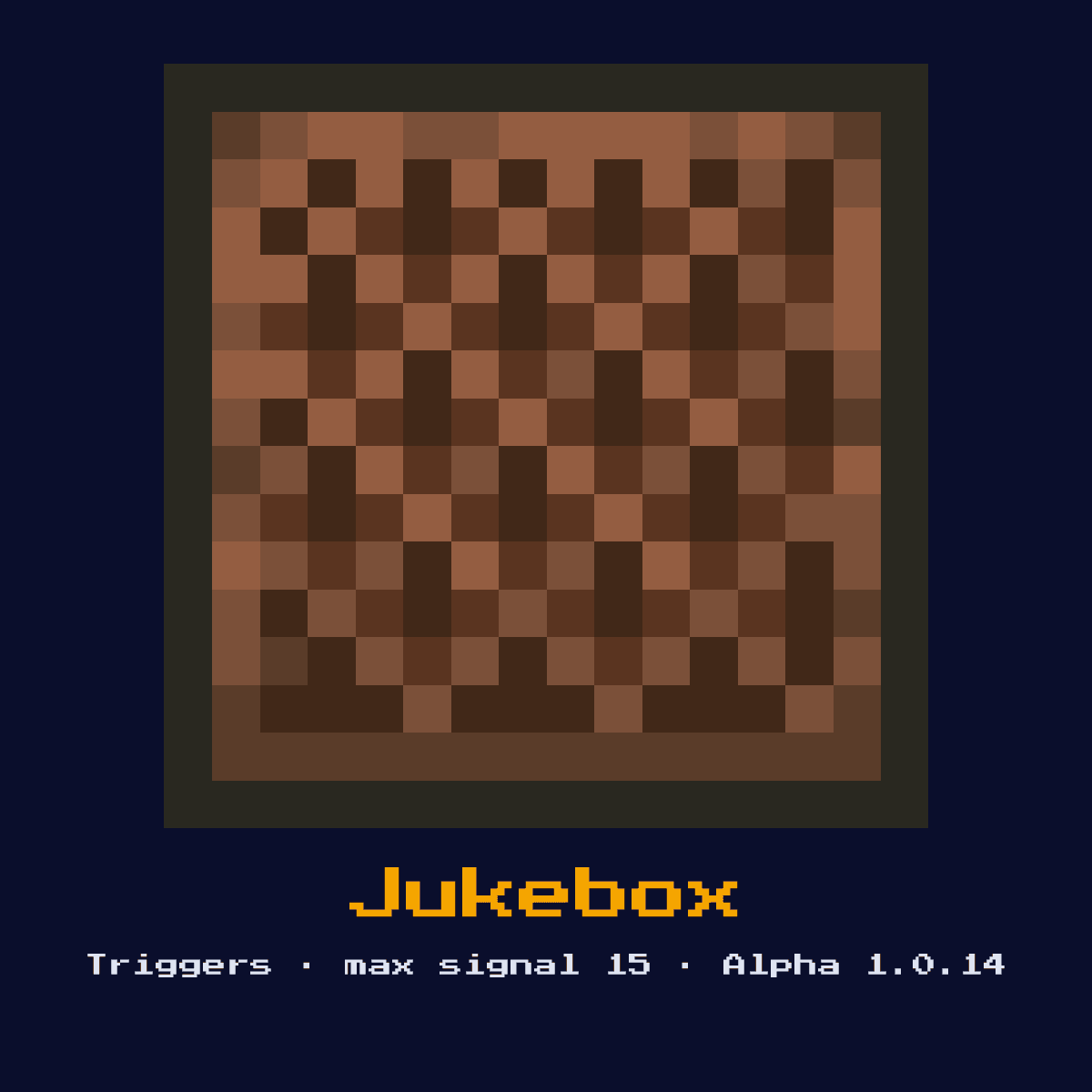
JUKEBOX
Plays music discs and outputs a comparator signal based on which disc is inserted. Each of the 16 music discs produces a unique signal strength from 1 to 15.
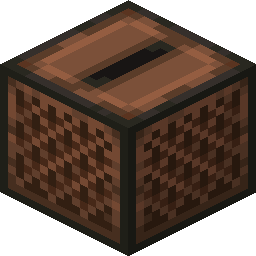
Crafting Recipe
8 Wooden Planks + 1 Diamond → 1 Jukebox
Signal Behavior
Input
 Input
InputMusic disc insertion
Output
 Output
Comparator signal 1-15 based on disc type
Max Signal Strength
15
Delay
 Delay
DelayInstant on disc insertion
Modes
- Playing (with disc)
- Empty (no disc)
What Jukebox costs you on the crafting grid, exactly
The 3x3 recipe for Jukebox asks for 8 Planks and 1 Diamond. The craft yields exactly one Jukebox for those 9 items.
Count on 8 Planks per Jukebox; that is where 89 percent of the cost sits. Jukebox accepts any variant in the planks slot, which means the colour of your Jukebox recipe is up to whatever you happen to be carrying.
The 3x3 pattern that makes Jukebox


| Jukebox is built from | Squares it fills |
|---|---|
| Planks (any variant) | 8 |
| Diamond | 1 |
| Jukebox you end up with | 1 |
Taken from the Jukebox crafting recipe in Java Edition 26.2.
What the Jukebox is, and what it does for you
Plays music discs and outputs a comparator signal based on which disc is inserted. Each of the 16 music discs produces a unique signal strength from 1 to 15.
As a trigger it watches the world for an event and converts that event into a redstone signal. It is a music player that also encodes which disc is inside as a comparator value, useful for hidden combination inputs.
The Jukebox was added to Minecraft in Alpha 1.0.14; everything below is its Java Edition 26.2 behaviour.
The redstone mechanics of the Jukebox, step by step
On the input side, music disc insertion. On the output side, comparator signal 1-15 based on disc type.
With a comparator against it, each of the music discs yields its own fixed signal strength from 1 to 15, so the jukebox effectively reads which disc is loaded. The disc must be inserted and later removed by hand, and an empty jukebox reads 0.
It acts instantly with no redstone-tick delay of its own, so it adds nothing to the timing of a circuit.
It can output a maximum signal strength of 15, which travels 15 blocks through bare redstone dust before fading to nothing.
The Jukebox has 2 settings you need to know about before you place it, and here they are: playing (with disc) and empty (no disc).
Placing the Jukebox, step by step
- 1Craft the Jukebox: 8 Wooden Planks + 1 Diamond → 1 Jukebox.
- 2Pick the spot before you place anything: the Jukebox needs a solid surface under it and a clear line through to whatever event it is meant to notice happening.
- 3Lead the signal it produces into a repeater or dust line so the rest of your contraption can respond to the detected event.
- 4Flip the input once and watch the Jukebox on its own before you wire anything else to it, because a wrong facing or a wrong block behind it is far cheaper to fix at this point than later.
Uses & applications of the Jukebox
- ▸Disc-based combination locks
- ▸Music systems
- ▸Signal source selection
- ▸Hidden input devices
Tips & common mistakes
- !Each disc has a specific signal value
- !Cannot read signal without comparator
- !Disc must be manually removed
- !You cannot read the disc without a comparator, and each disc's value is fixed, so plan your lock around the specific discs you own.
Jukebox FAQ
Why would you put a Jukebox in a Minecraft redstone build?
The Jukebox is most often used for disc-based combination locks, music systems, signal source selection, and hidden input devices. As a trigger it watches the world for an event and converts that event into a redstone signal.

How strong is the signal out of a Jukebox?
Comparator signal 1-15 based on disc type. That is 15 at the source, dropping one per block of dust.

How do you craft the Jukebox?
8 Wooden Planks + 1 Diamond → 1 Jukebox. It was introduced in Alpha 1.0.14.

What is the most common mistake with the Jukebox?
Each disc has a specific signal value. Cannot read signal without comparator.
Components that connect to Jukebox
Jukebox does not stand on its own. 6 other component pages are tied to it:





Jukebox as a block: the four numbers that matter most
Hardness 2 is what Jukebox costs you in swings, best spent with an axe.
Light level 0: Jukebox is dark, powered or not. 6 blast resistance on a block of hardness 2 means Jukebox shrugs off what would clear its neighbours.
| Jukebox | What Java Edition says |
|---|---|
| Jukebox hardness | 2 |
| Jukebox blast resistance | 6 |
| Fastest tool on Jukebox | axe |
| Light out of Jukebox | 0 |