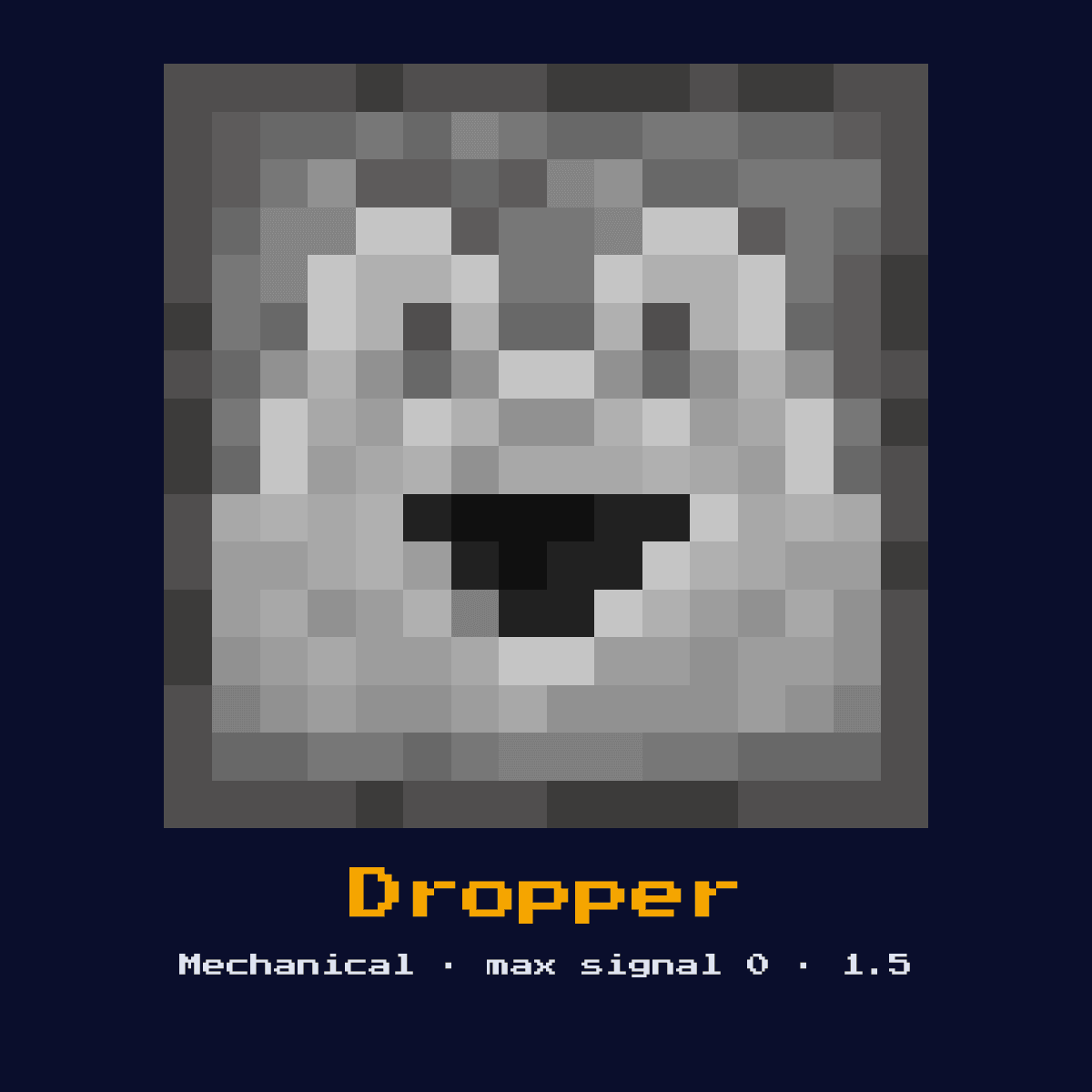
DROPPER
Similar to a dispenser but always drops items as entities or feeds them into adjacent containers. Does not shoot projectiles or use items. Essential for item transport systems.

Crafting Recipe
7 Cobblestone + 1 Redstone Dust → 1 Dropper
Signal Behavior
Input
 Input
InputRedstone pulse (activates once per rising edge)
Output
 Output
None
Max Signal Strength
0
Delay
 Delay
DelayActivates on rising edge of signal
Modes
- Drop item or feed into container on pulse
What Dropper costs you on the crafting grid, exactly
Dropper comes out of a 3x3 arrangement of 7 Cobblestone and 1 Redstone. The craft yields exactly one Dropper for those 8 items.
Cobblestone is the bulk of it, 7 out of 8, and the other 1 ingredient fills the rest.
The 3x3 pattern that makes Dropper


| Dropper is built from | Squares it fills |
|---|---|
| Cobblestone | 7 |
| Redstone | 1 |
| Dropper you end up with | 1 |
Taken from the Dropper crafting recipe in Java Edition 26.2.
The Dropper in short: what it is and what it does
Similar to a dispenser but always drops items as entities or feeds them into adjacent containers. Does not shoot projectiles or use items. Essential for item transport systems.
As a mechanical component it converts a redstone signal into physical action rather than passing the signal onward. It is the gentle cousin of the dispenser, moving items without ever using or shooting them, which makes it the core of item elevators and sorters.
Dropper has been in the game since 1.5, and the numbers on this page are the Java Edition 26.2 ones.
How the Dropper reads and answers a redstone signal
On the input side, redstone pulse (activates once per rising edge). It returns no redstone signal of its own, its effect is a physical action in the world.
Each rising edge moves a single item: if a container sits in front it pushes the item into that container, otherwise it spits the item out as an entity. It never fires projectiles or places fluids. Two droppers facing each other with one item between them form the classic T flip-flop.
Which of the 1 states the Dropper happens to be in changes the answer it gives, so keep track of them: drop item or feed into container on pulse.
From nothing to a working Dropper
- 1Craft the Dropper: 7 Cobblestone + 1 Redstone Dust → 1 Dropper.
- 2Place the Dropper last of all, once you know exactly where the signal begins and where it has to end, so that its facing comes out right the very first time.
- 3Feed it a redstone pulse or signal from a lever, button, or circuit; it will perform its action and ignore further power until the input changes.
- 4Give it one dry run before anything else. If the Dropper does not do exactly what the numbers above say it should, the fault is almost always its facing or the block sitting behind it.
What the Dropper is used for
- ▸Item transport chains
- ▸Feeding hoppers/chests
- ▸Item elevators
- ▸Sorting system inputs
Tips & common mistakes
- !Does not shoot projectiles like dispensers
- !Only moves one item per pulse
- !Feeds directly into adjacent containers
- !It only moves one item per pulse, so for bulk transfer you still need a steady clock or a hopper feeding it.
The Dropper FAQ, answered

Where does the Dropper earn its place in a redstone build?
The Dropper is most often used for item transport chains, feeding hoppers/chests, item elevators, and sorting system inputs. As a mechanical component it converts a redstone signal into physical action rather than passing the signal onward.
Does the Dropper give a full 15?
The Dropper does not output a redstone signal of its own; its result is none. Its purpose is physical action, not signal generation.
What does a Dropper cost to make?
7 Cobblestone + 1 Redstone Dust → 1 Dropper. It was introduced in 1.5.

What is the most common mistake with the Dropper?
Does not shoot projectiles like dispensers. Only moves one item per pulse.
Components that connect to Dropper
Dropper does not stand on its own. 6 other component pages are tied to it:
 Crafter, costs you 1 Dropper to craft
- Redstone Dust, you need 1 of these before you can craft Dropper
 TNT, sits in the same group of 12 as Dropper
 Redstone Lamp, sits in the same group of 12 as Dropper
 Bell, another of the 12 components in this group
 Slime Block, grouped with Dropper, 12 of them in total
Mining Dropper: how hard, how bright and how tough
At hardness 3.5, Dropper is a real dig with a pickaxe.
Light level 0: Dropper is dark, powered or not. Resistance 3.5: nothing special. An explosion beside Dropper removes it.
| Dropper | Java Edition value |
|---|---|
| Dropper hardness | 3.5 |
| Dropper blast resistance | 3.5 |
| Fastest tool on Dropper | pickaxe |
| Light out of Dropper | 0 |