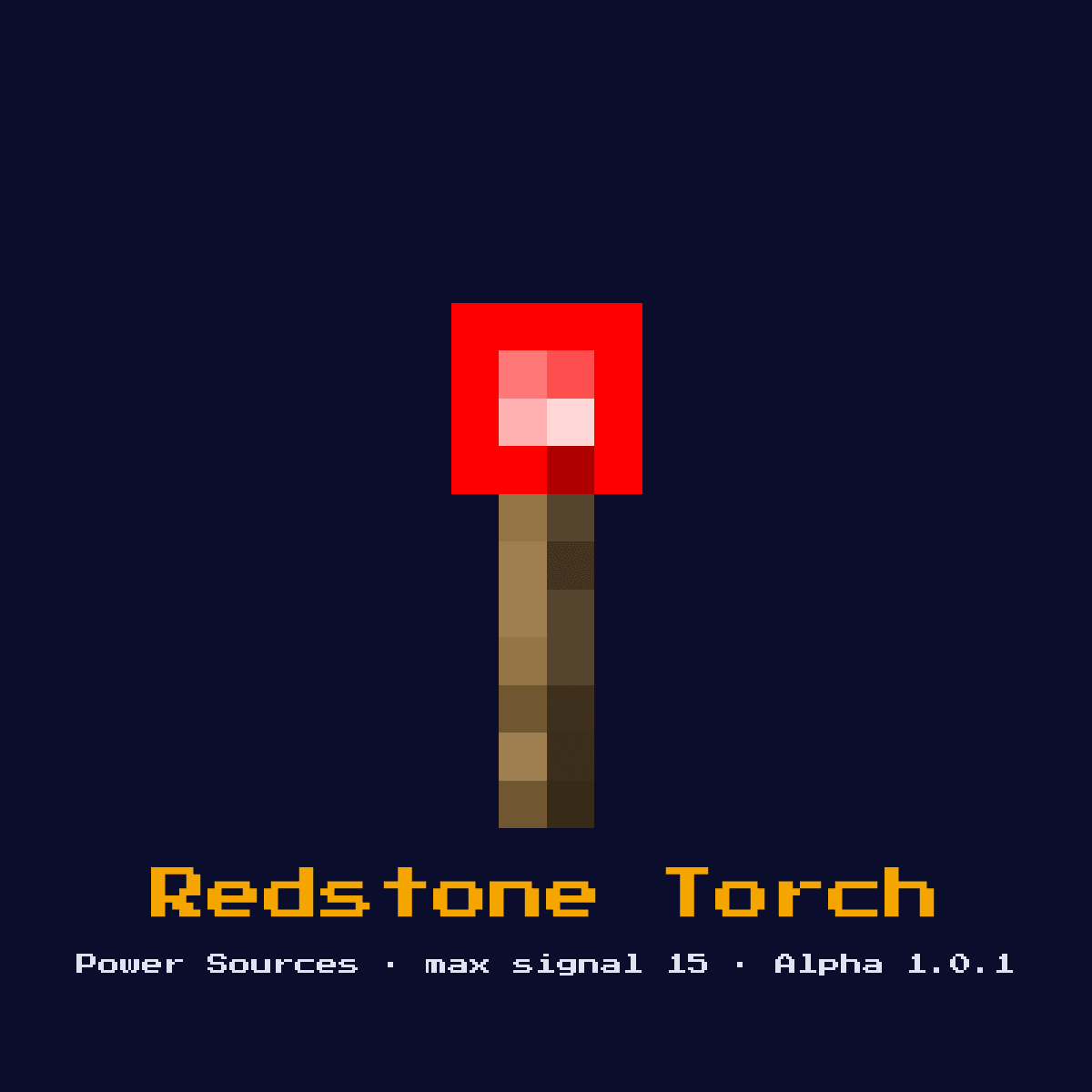
REDSTONE TORCH
A torch that emits a constant redstone signal of 15. Can be inverted (turned off) by powering the block it is attached to. Fundamental building block for NOT gates and memory circuits.

Crafting Recipe
1 Redstone Dust + 1 Stick → 1 Redstone Torch
Signal Behavior
Input
 Input
InputPowered block it sits on turns it OFF
Output
Emits signal strength 15 when ON
Max Signal Strength
15
Delay
1 redstone tick (0.1s) to toggle
Modes
- Always on (default)
- Inverted when block is powered
How to craft Redstone Torch: the grid and ingredient cost
Redstone Torch comes out of a 1x2 arrangement of 1 Redstone and 1 Stick. 2 items in, one Redstone Torch out.
Redstone Torch crafting pattern, 1x2


| Ingredient for Redstone Torch | Amount per craft |
|---|---|
| Redstone | 1 |
| Stick | 1 |
| Redstone Torch you get per craft | 1 |
The Redstone Torch recipe as it stands in Java Edition 26.2.
Start here: what a Redstone Torch is and what it does
A torch that emits a constant redstone signal of 15. Can be inverted (turned off) by powering the block it is attached to. Fundamental building block for NOT gates and memory circuits.
As a power source it sits at the start of a circuit, generating the signal that everything downstream reacts to. It is the oldest active power source in the game and the building block every NOT gate, RS latch, and torch-tower repeater is made from.
Minecraft Alpha 1.0.1 brought the Redstone Torch in. What follows is how it behaves in Java Edition 26.2.
How the Redstone Torch reads and answers a redstone signal
What the Redstone Torch reads: powered block it sits on turns it OFF. What it gives back: emits signal strength 15 when ON.
A lit torch weakly powers the block it sits against and strongly powers the block directly above it, while feeding signal 15 into any dust touching it. Powering the block it is attached to forces the torch off after a 1-redstone-tick (0.1s) delay, which is exactly the inversion that makes it a NOT gate.
Powering note: Strongly powers the block above it; weakly powers dust beside and below it.
Timing-wise, factor in 1 redstone tick (0.1s) to toggle when you wire it into a sequenced circuit.
The Redstone Torch tops out at 15. Count 15 blocks of bare dust away from it and the signal has fallen to nothing at all.
Which of the 2 states the Redstone Torch happens to be in changes the answer it gives, so keep track of them: always on (default) and inverted when block is powered.
How to put a Redstone Torch down properly
- 1Craft the Redstone Torch: 1 Redstone Dust + 1 Stick → 1 Redstone Torch.
- 2Place the Redstone Torch last of all, once you know exactly where the signal begins and where it has to end, so that its facing comes out right the very first time.
- 3Run redstone dust away from it toward the component you want to control, remembering the signal will fall by 1 per block.
- 4Give it one dry run before anything else. If the Redstone Torch does not do exactly what the numbers above say it should, the fault is almost always its facing or the block sitting behind it.
What the Redstone Torch is used for
- ▸NOT gates
- ▸Torch towers (vertical signal)
- ▸RS NOR latches
- ▸Constant power source
- ▸Clock circuits
Tips & common mistakes
- !Placing on a powered block (torch stays off)
- !Burnout from rapid toggling (1-tick clocks)
- !Forgetting the 1-tick delay it introduces
- !A torch that flips state more than about 8 times in a short window will burn out and go dark until it receives a fresh block update, so never drive a 1-tick clock straight off a single torch.
Redstone Torch, frequently asked questions

Where does the Redstone Torch earn its place in a redstone build?
The Redstone Torch is most often used for NOT gates, torch towers (vertical signal), RS NOR latches, and constant power source. As a power source it sits at the start of a circuit, generating the signal that everything downstream reacts to.
Does the Redstone Torch give a full 15?
15 is the number to plan around for the Redstone Torch. Emits signal strength 15 when ON.
What does a Redstone Torch cost to make?
1 Redstone Dust + 1 Stick → 1 Redstone Torch. It was introduced in Alpha 1.0.1.

Does the Redstone Torch add any delay to a circuit?
Yes, 1 redstone tick (0.1s) to toggle. Account for that timing when chaining it with other components, especially in clocks and fast doors.

Why does my redstone torch turn off?
A redstone torch turns off whenever the block it is attached to becomes powered. That is intentional inversion behaviour. If it goes dark and stays dark even with no power, it has burned out from toggling too fast and needs a block update nearby to reset.
Components that connect to Redstone Torch
6 other component pages tie straight into Redstone Torch, and here is what the link is:
- Redstone Repeater, costs you 2 Redstone Torch to craft
 Redstone Comparator, needs 3 Redstone Torch in its own recipe
 Activator Rail, takes 1 Redstone Torch
- Redstone Dust, the Redstone Torch recipe asks for 1 of these
 Sculk Sensor, one of the 13 in the same group
 Calibrated Sculk Sensor, grouped with Redstone Torch, 13 of them in total
Mining Redstone Torch: how hard, how bright and how tough
There is nothing to mine here. Redstone Torch sits at hardness 0 and pops off immediately.
Light level 7 comes with it, though only in the lit state. Resistance 0: nothing special. An explosion beside Redstone Torch removes it.
| Redstone Torch | Java Edition value |
|---|---|
| Redstone Torch hardness | 0 |
| Redstone Torch blast resistance | 0 |
| Fastest tool on Redstone Torch | no tool in particular |
| Light out of Redstone Torch | 7 when lit |